

















Thermalright TR-A70 Vision ATX Desktop Gaming Case Including 9.16 LCD

Description
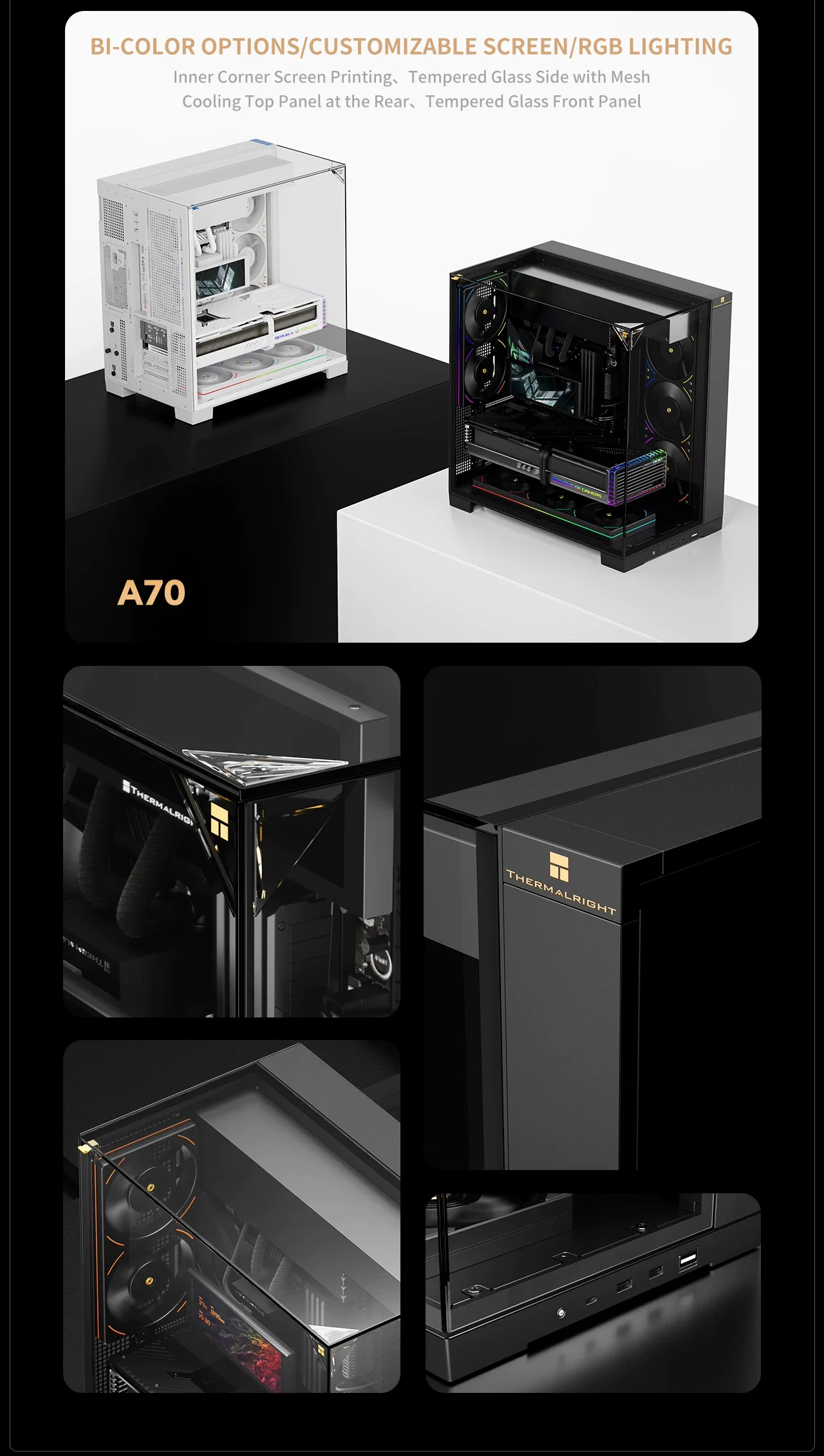
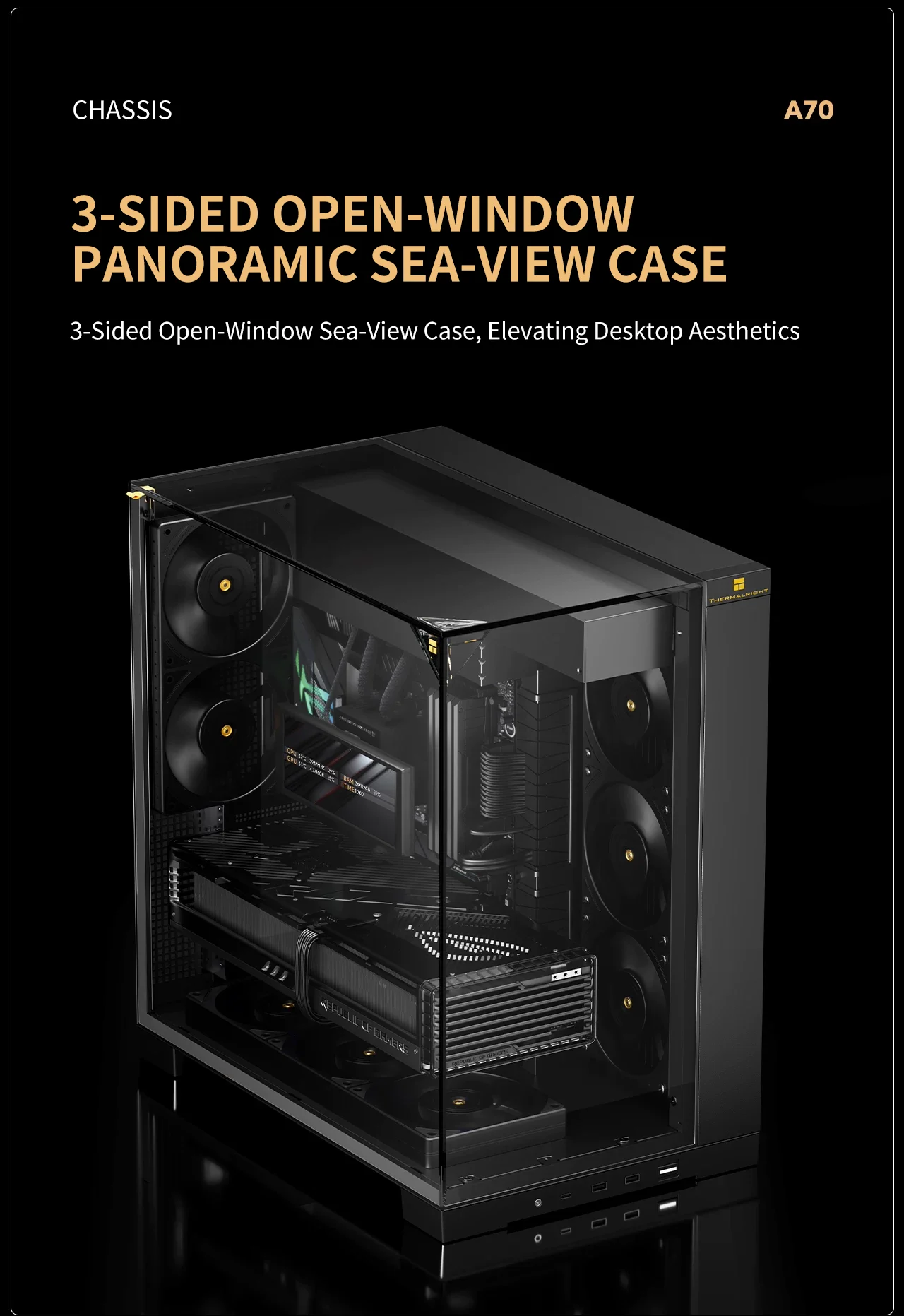

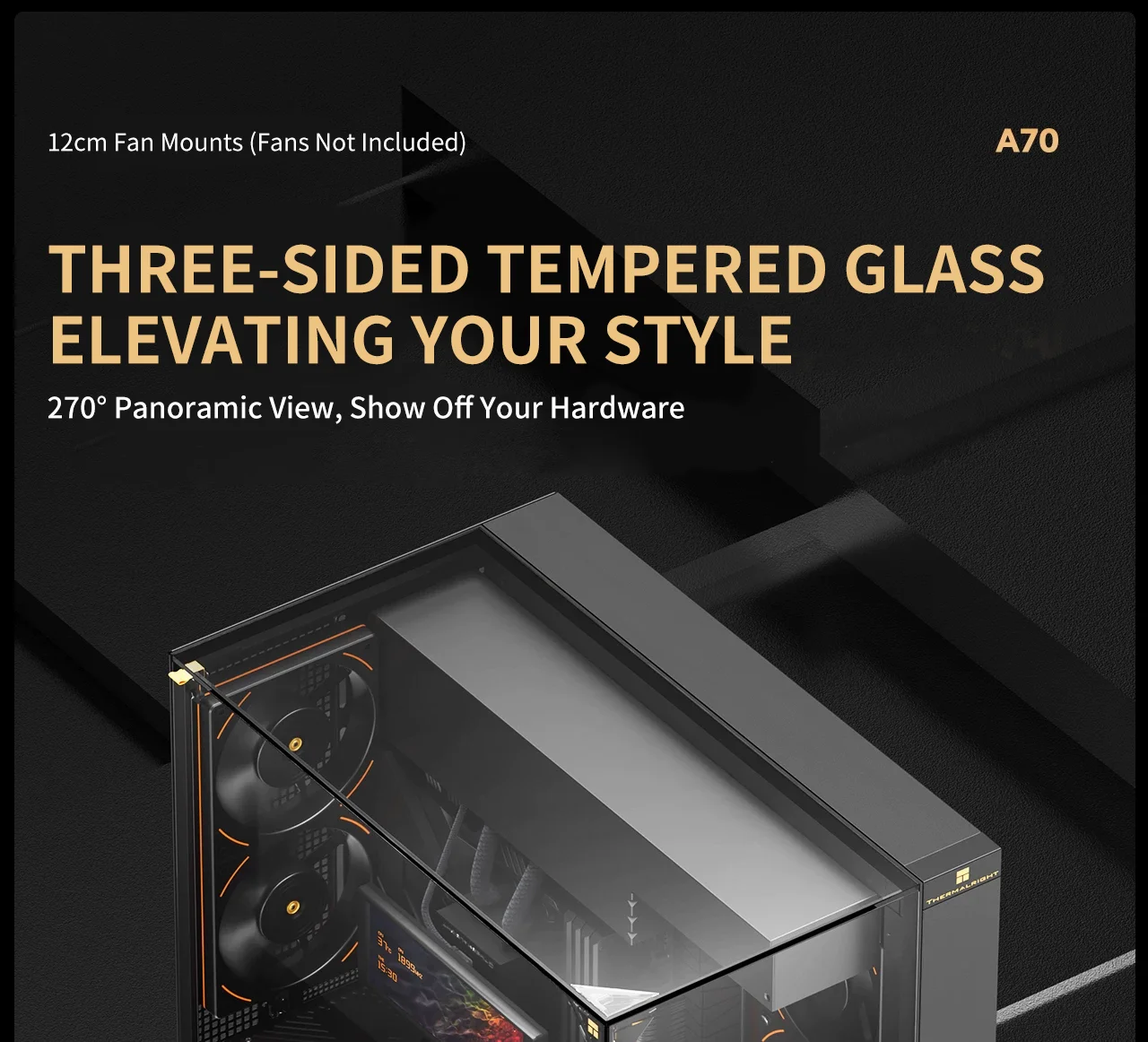
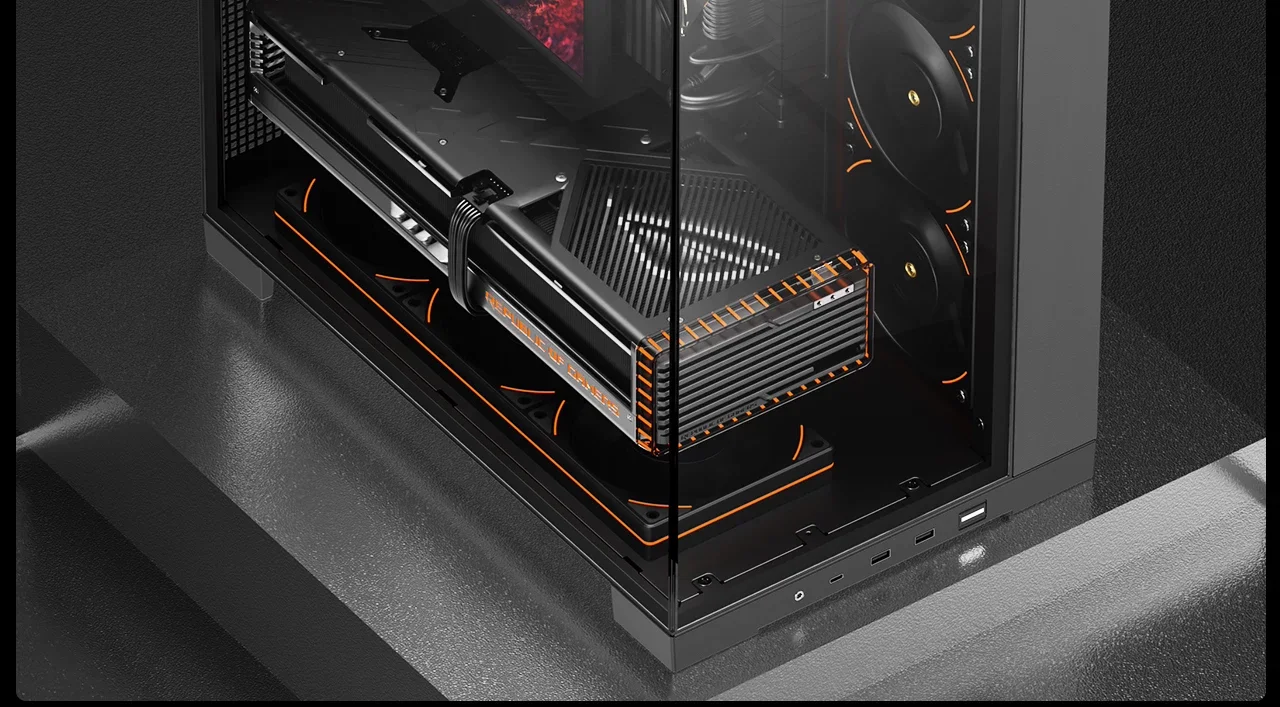
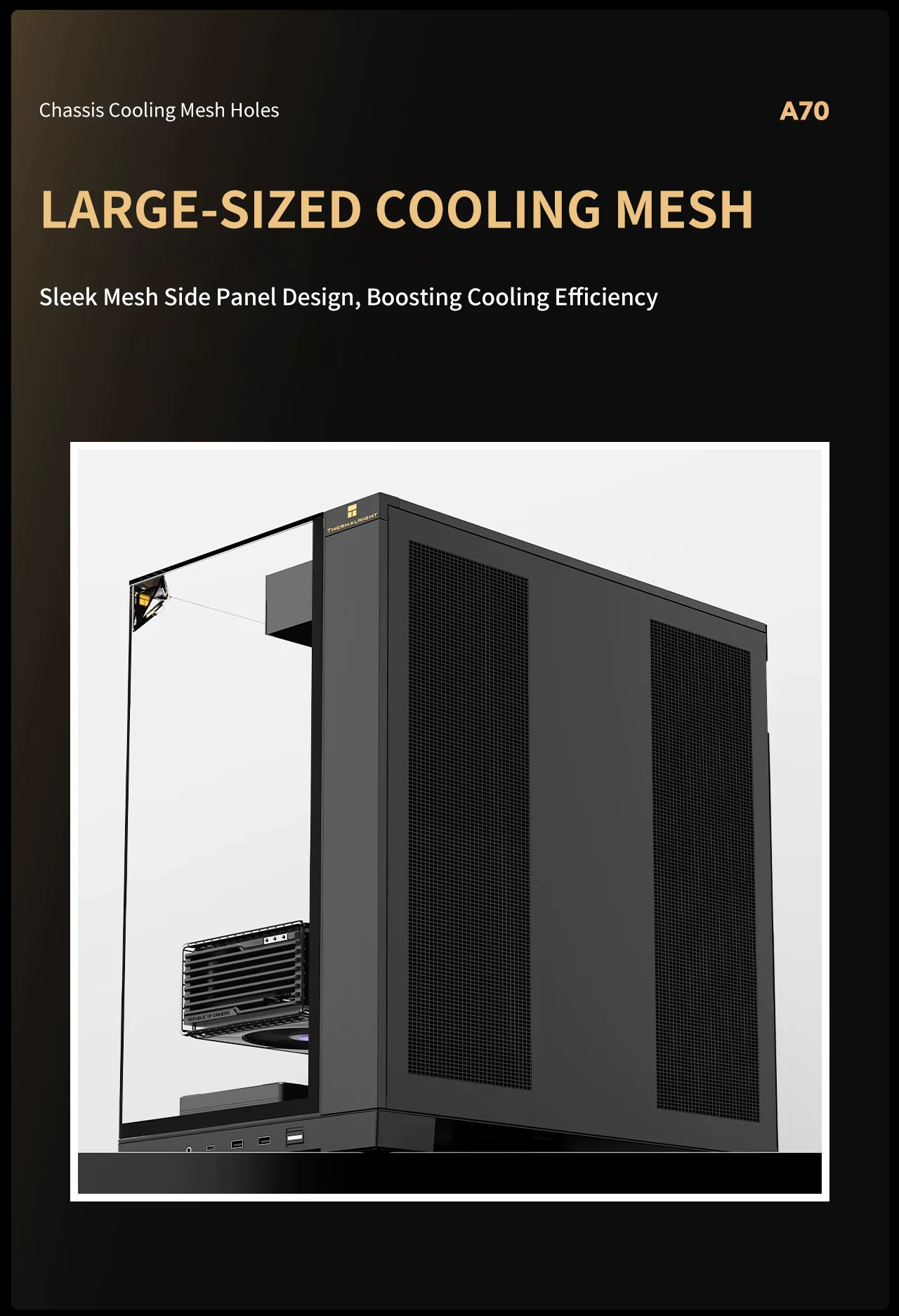
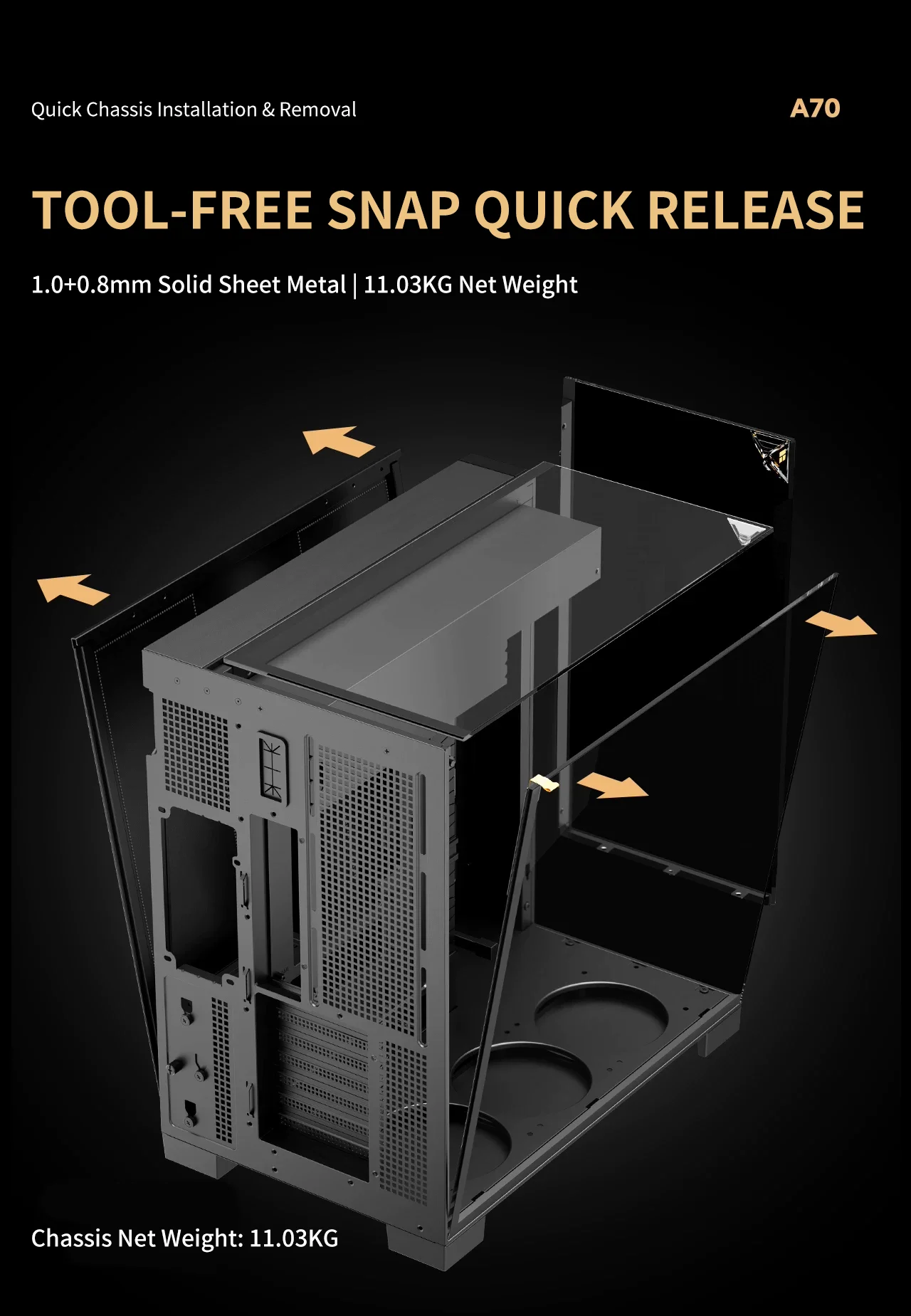
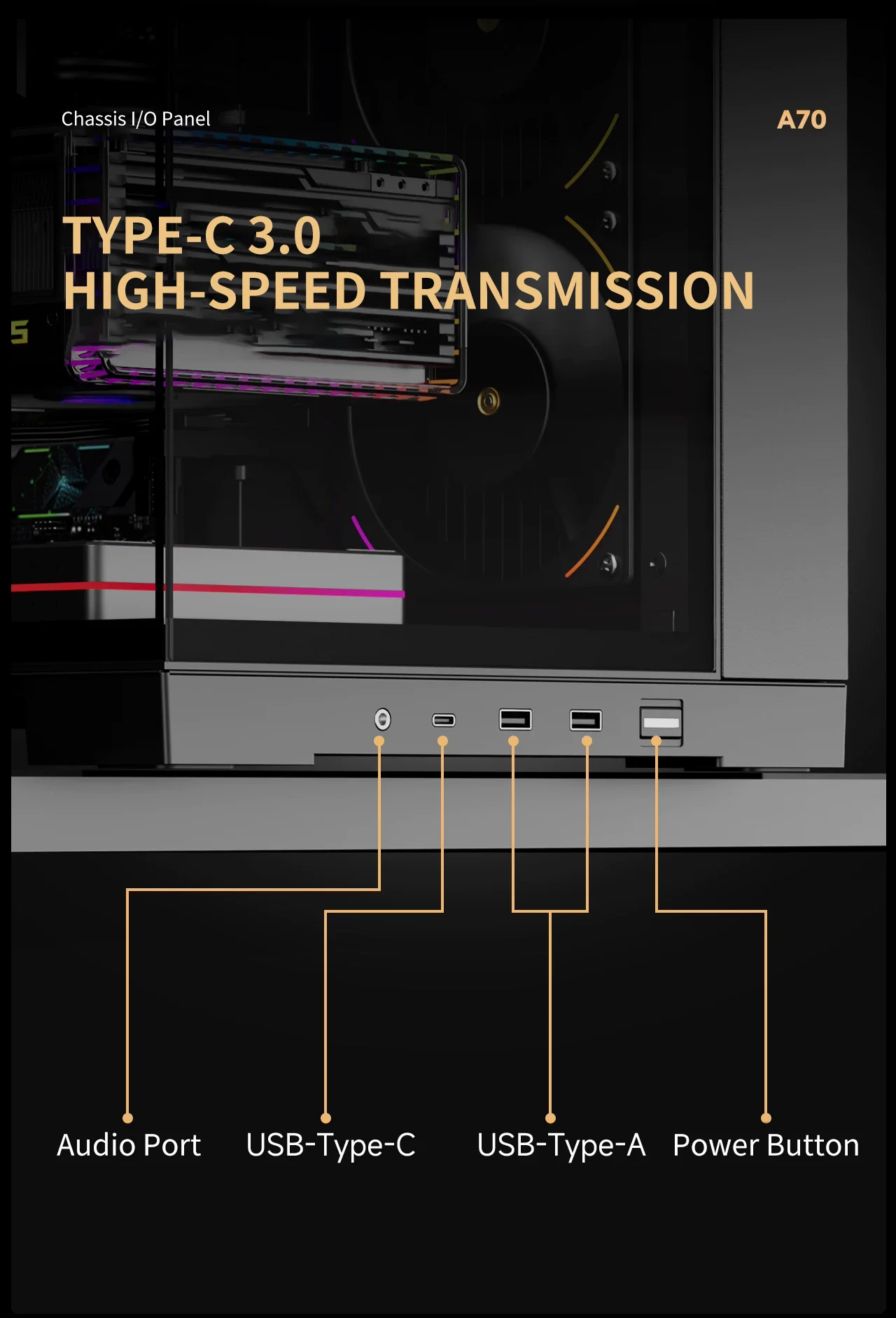
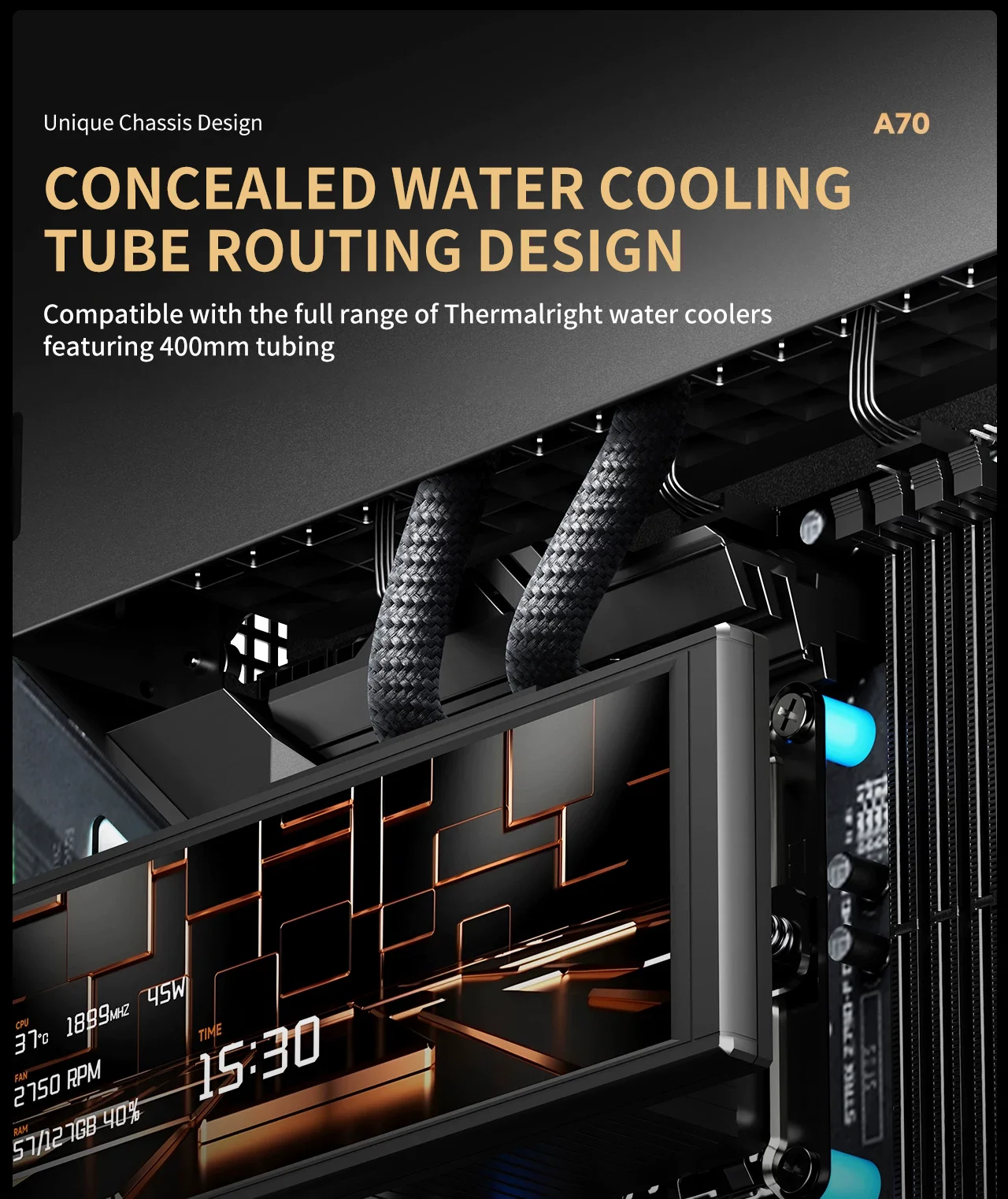
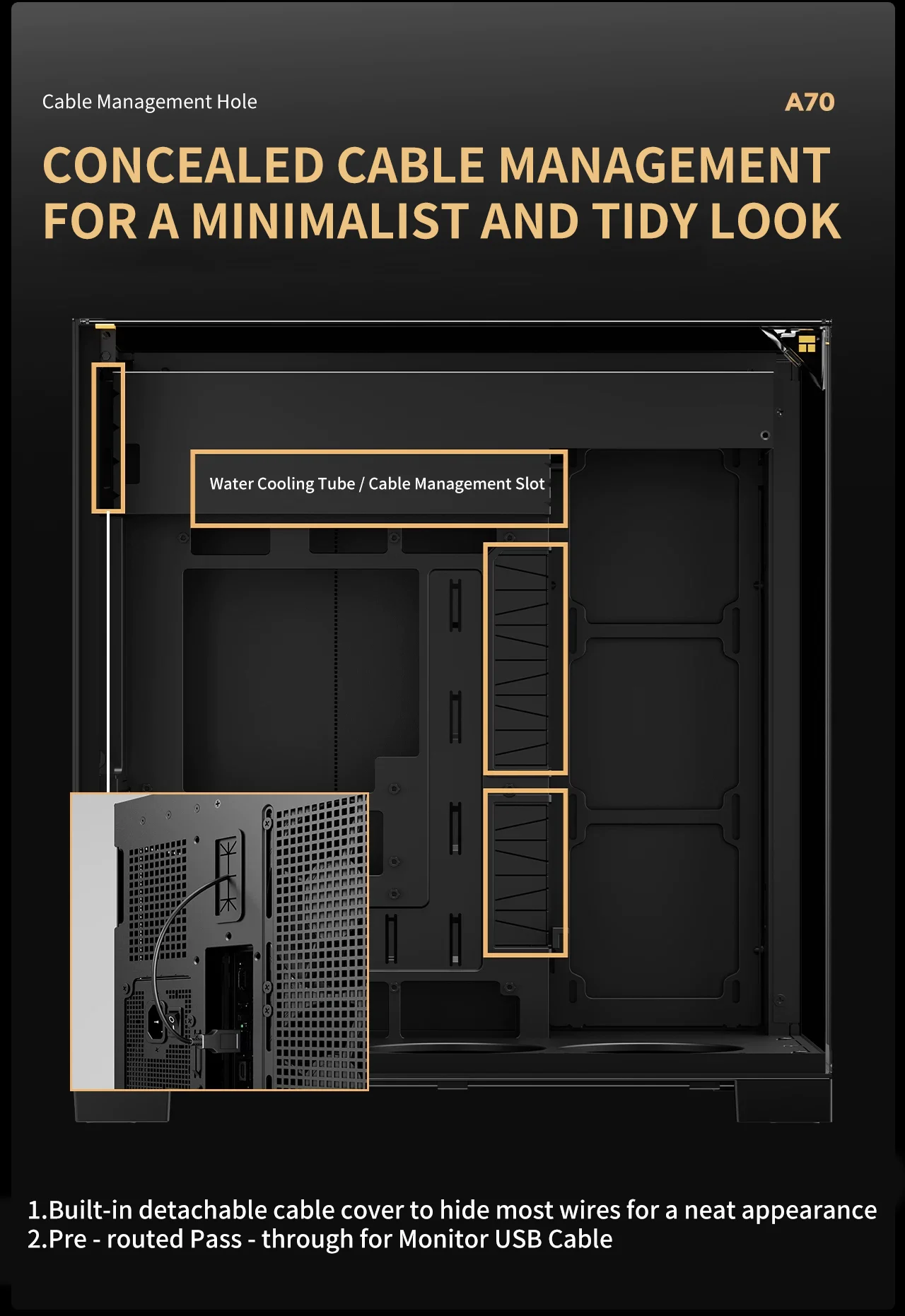
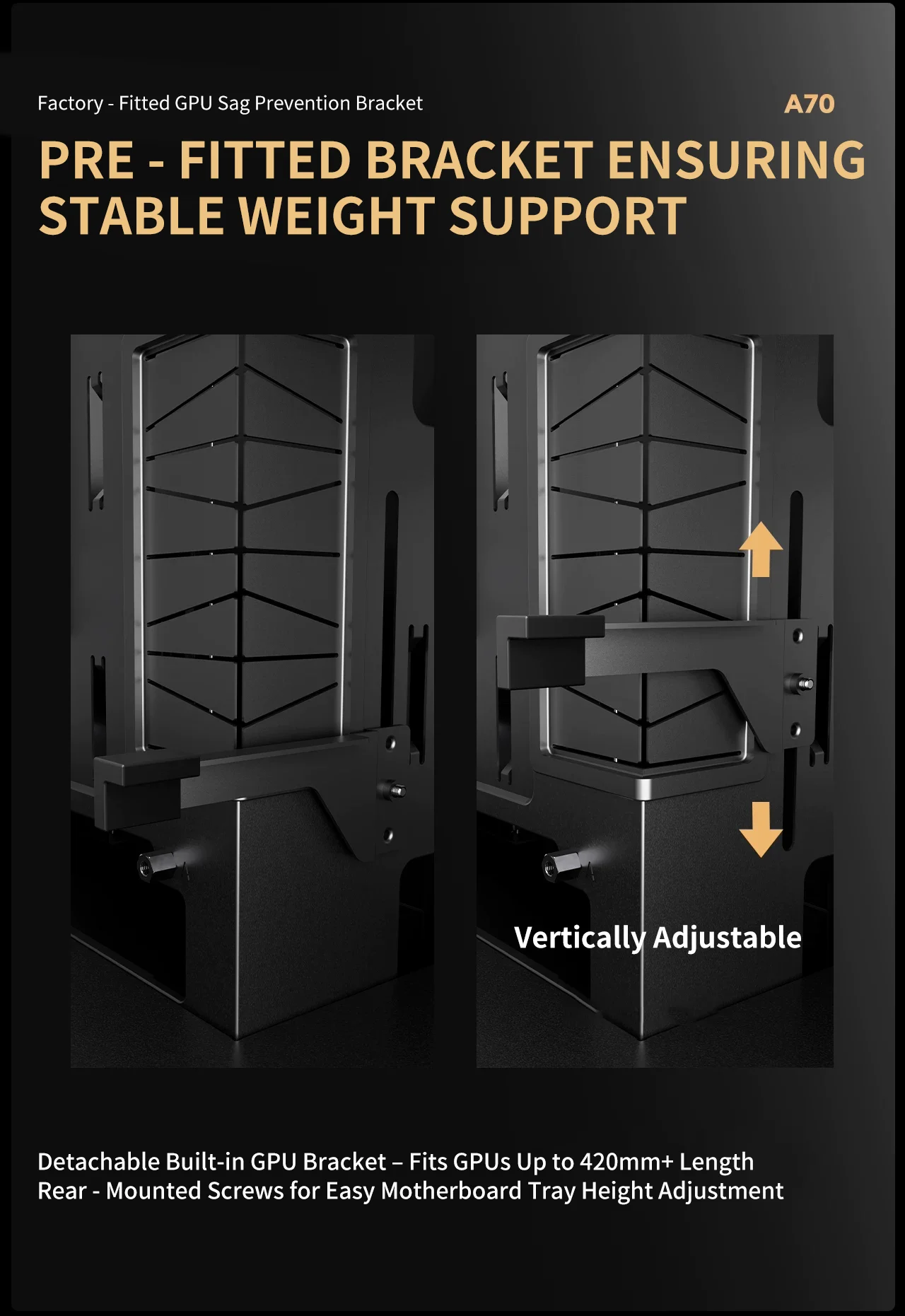
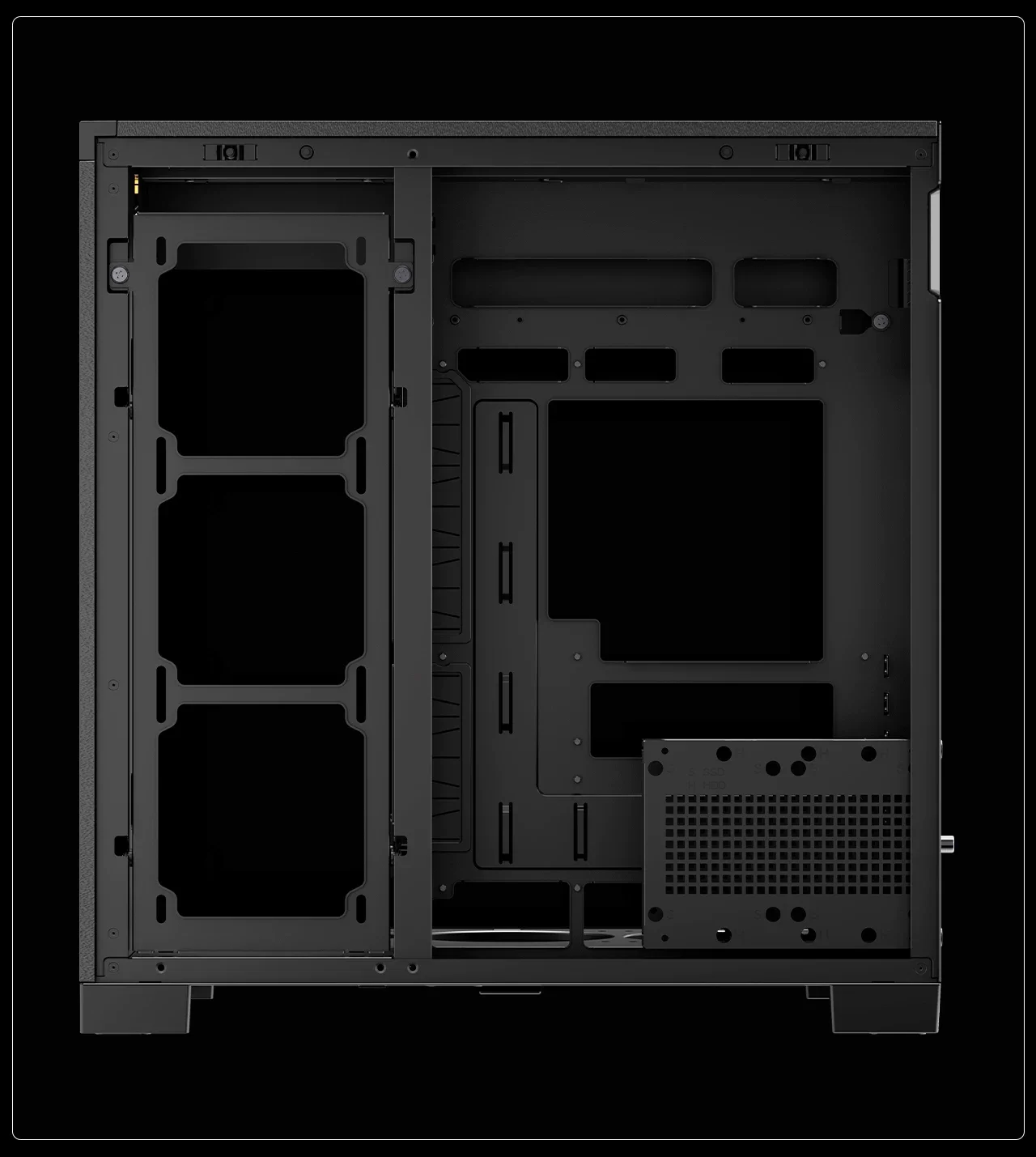
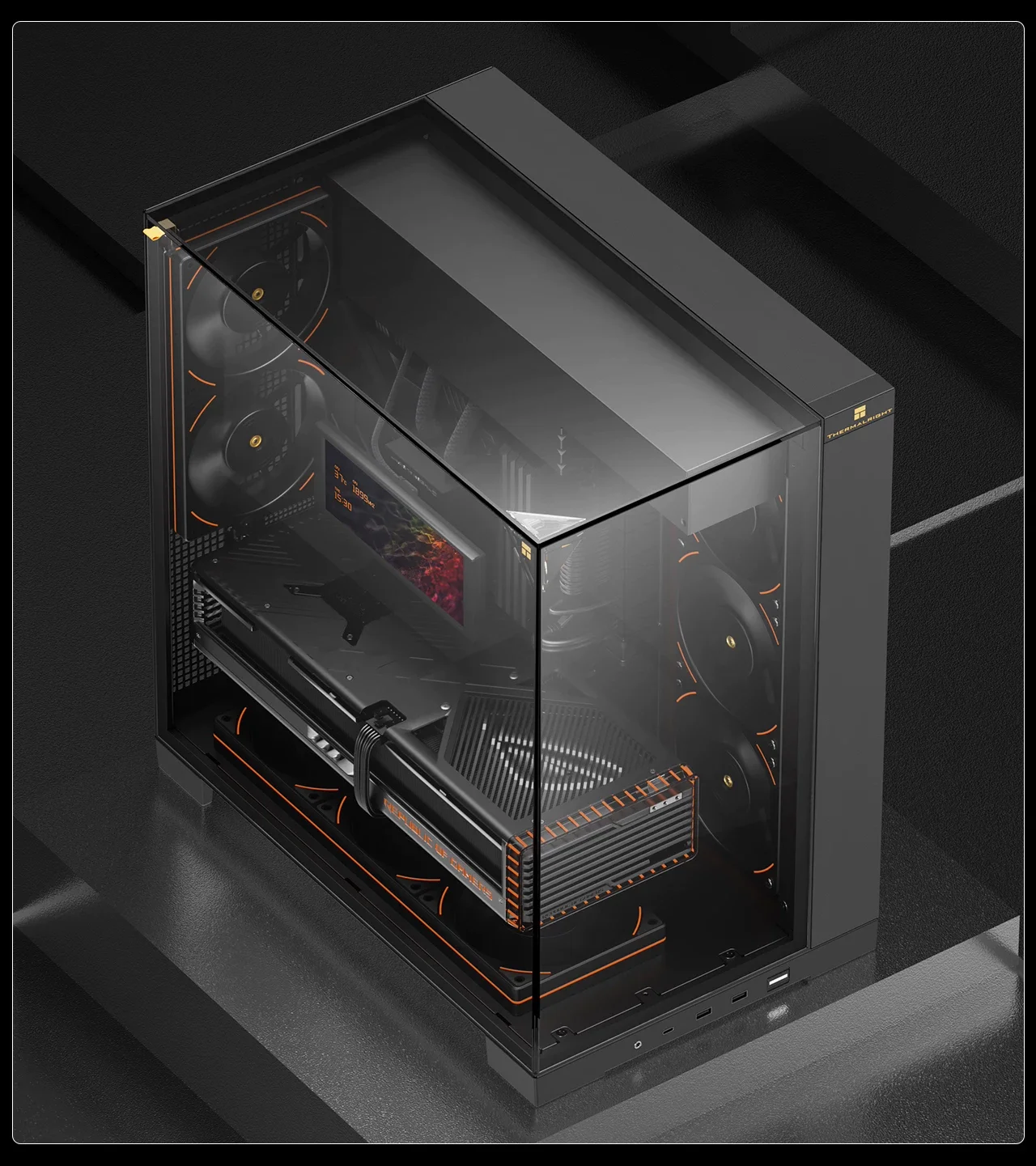
What is the Thermalright TR-A70 and why is it a top choice for white PC builds?
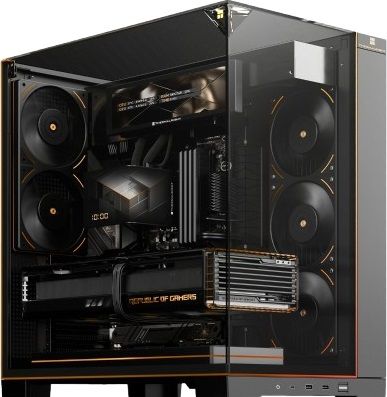
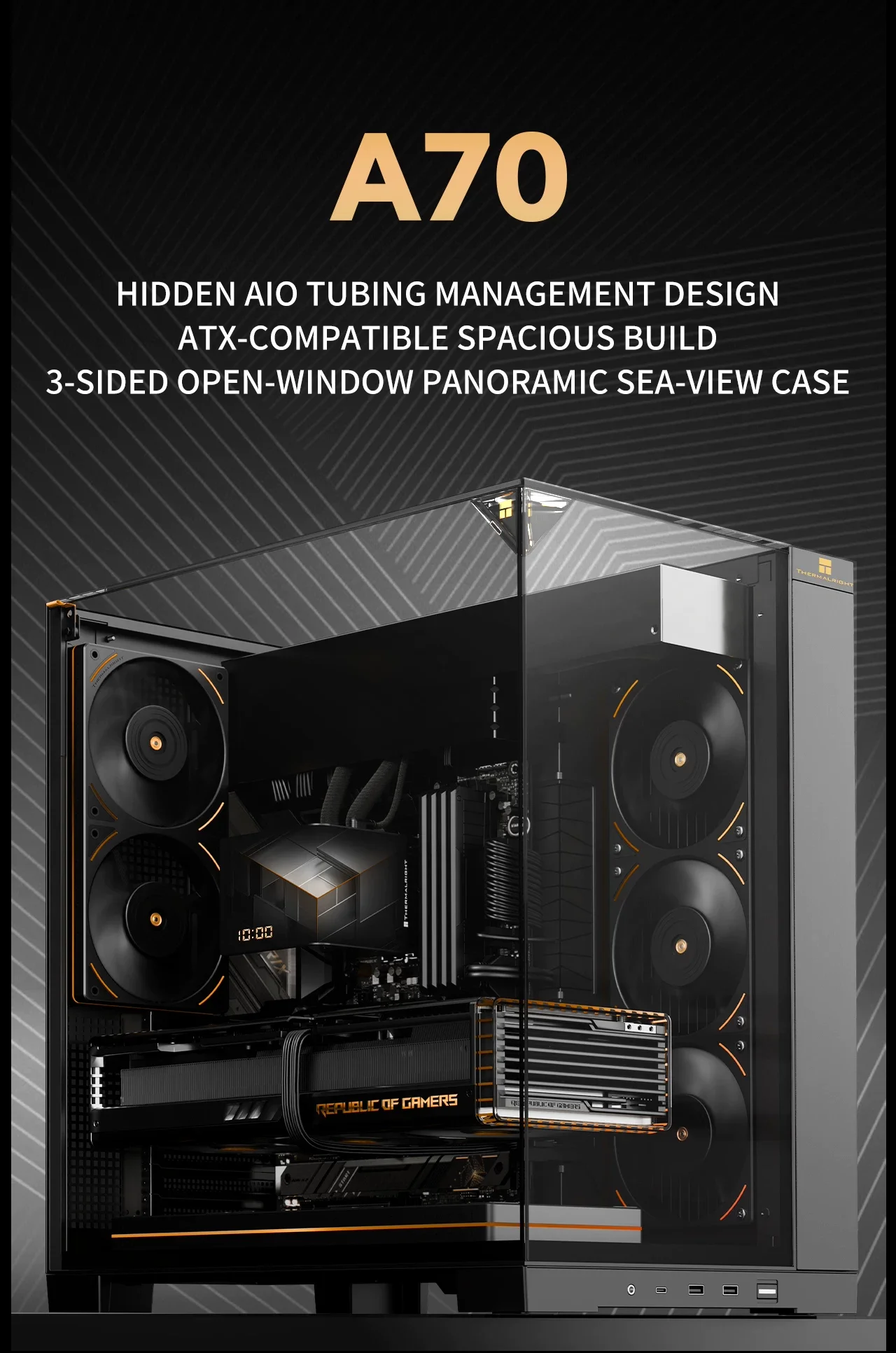
The Thermalright TR-A70 is more than just a chassis; it is a carefully engineered ecosystem designed to house high-performance components while maintaining a pristine white appearance. The a70 argb white finish is not merely a cosmetic choice but a result of high-quality materials that resist yellowing over time, a common issue with cheaper white plastics. This case supports the a70 vision aesthetic by providing ample space for RGB strips and fans, allowing users to create a cohesive lighting theme that matches their motherboard. When searching for a thermalright a70 case, buyers are often looking for reliability, and the TR-A70 delivers on that front with a sturdy frame and precise mounting points.
Material Quality and Aesthetic Consistency
Upon unboxing, the first thing you notice is the texture of the paneling. The white plastic used in the a70 argb white version has a matte finish that diffuses light beautifully, preventing the harsh glare often seen in cheaper alternatives. The internal structure is reinforced with metal gussets, ensuring that the case does not flex under the weight of heavy GPUs or when the system is under load. This attention to detail is what separates the thermalright a70 vision from generic OEM cases found in big-box stores.
Does the Thermalright TR-A70 support large graphics cards and power supplies?
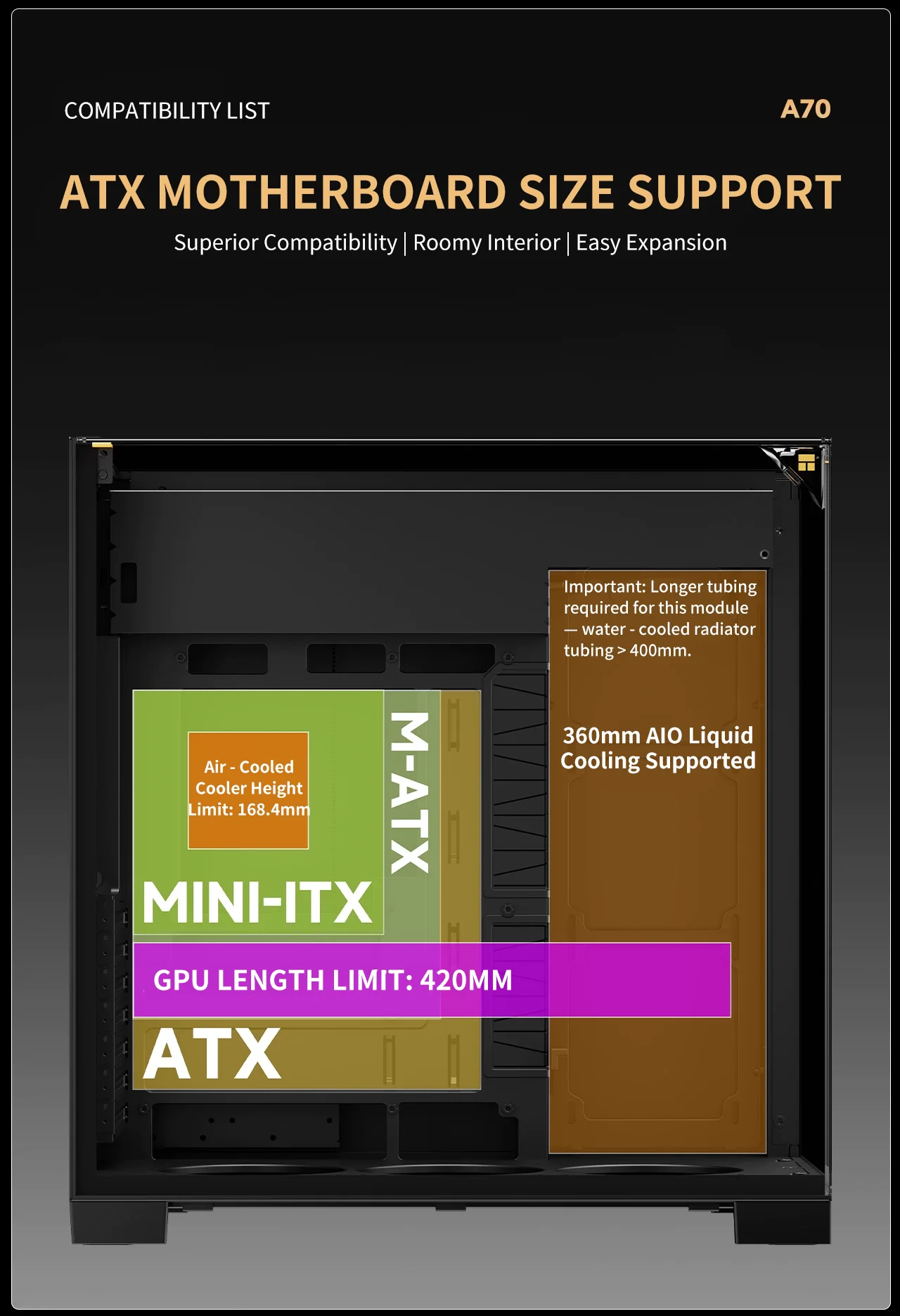
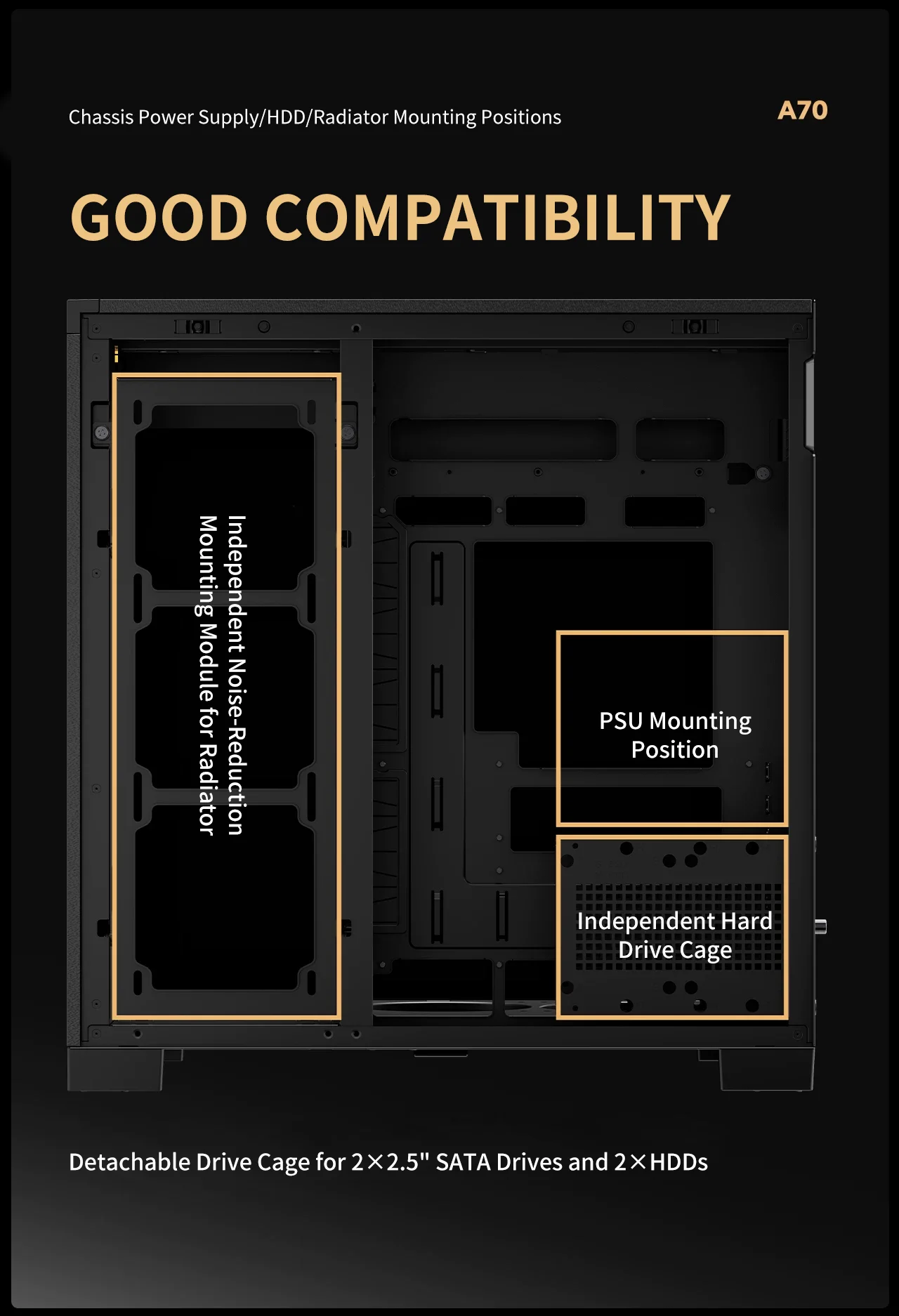
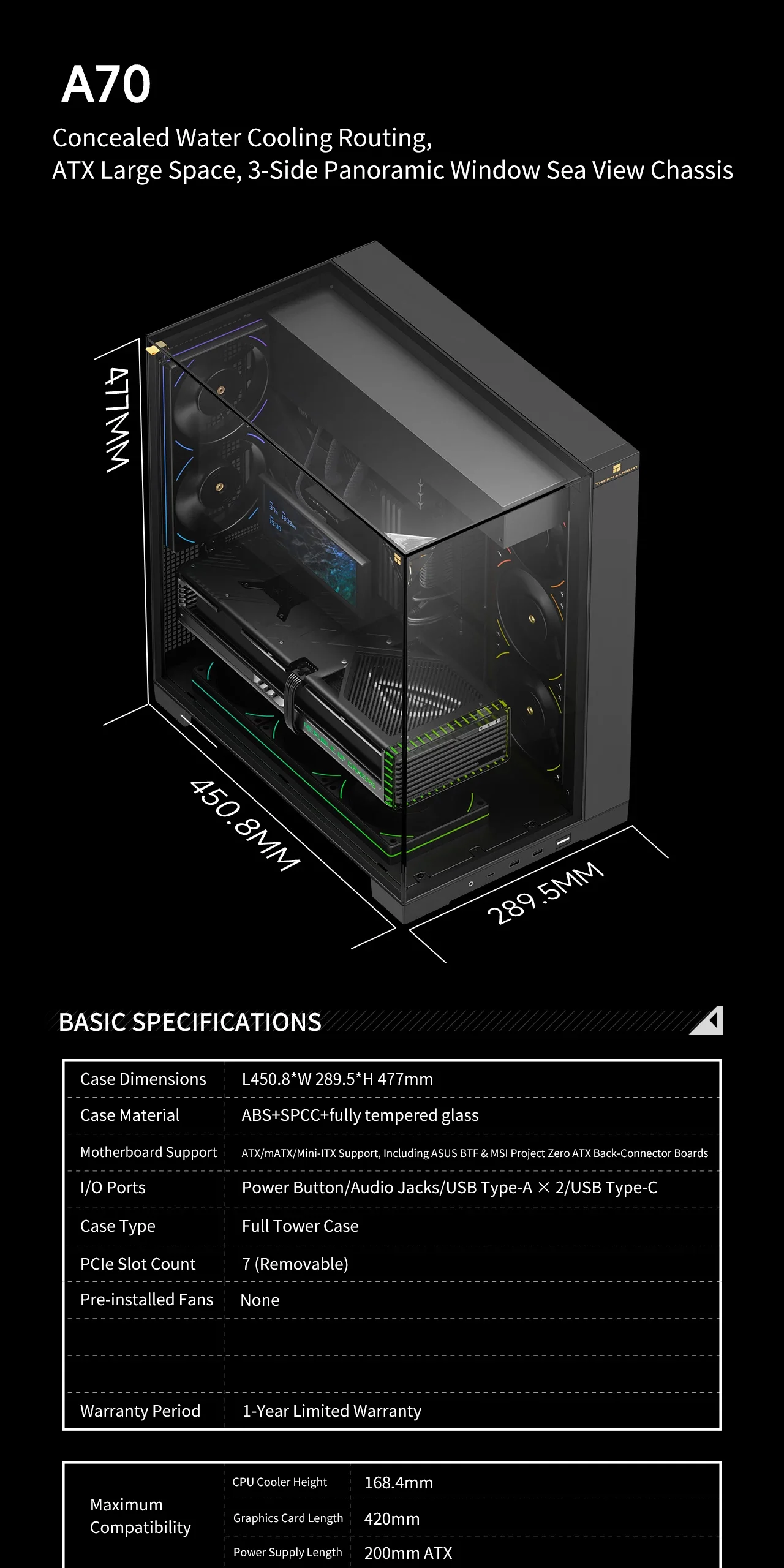
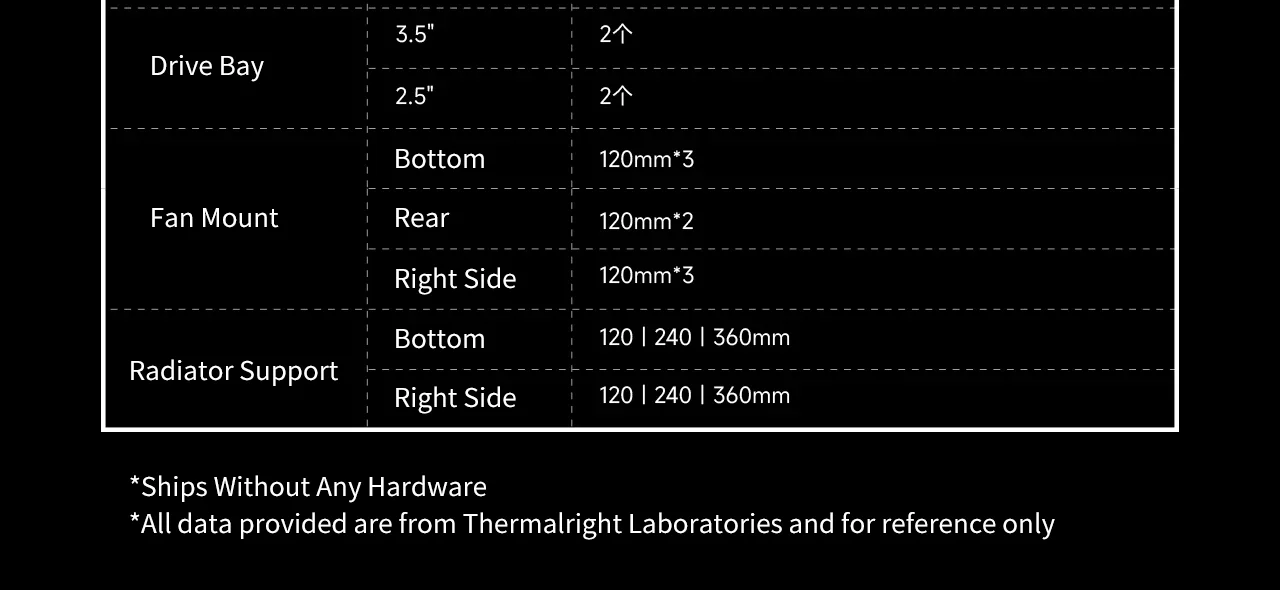
Yes, the Thermalright TR-A70 is specifically engineered to accommodate high-end components, making it an ideal choice for builders using RTX 40-series or RX 7000-series cards. The case explicitly supports graphics cards up to 420mm in length and power supply units up to 200mm, which covers the vast majority of modern high-performance hardware. This capability is a key selling point for anyone considering the thermalright a70 case for a gaming rig, as it eliminates the need for expensive third-party adapters or custom modifications.
Internal Dimensions and Component Compatibility
The internal volume of the TR-A70 is optimized for airflow and component clearance. The 420mm GPU limit allows for cards like the RTX 4090 or the RX 7900 XTX to fit without obstruction, provided the card is not excessively thick. Similarly, the 200mm PSU limit ensures that standard ATX power supplies fit snugly without requiring a cutout. This specification is critical for users who want to avoid the does it come with fan dilemma regarding airflow; the case includes a robust fan configuration that works in tandem with the GPU to maintain optimal temperatures.
| Feature | Thermalright TR-A70 | Standard Budget Case |
|---|---|---|
| Max GPU Length | 420mm | 300mm - 350mm |
| Max PSU Length | 200mm | 150mm - 180mm |
| Front Panel Finish | Matte White (ARGB compatible) | Glossy or Mixed Colors |
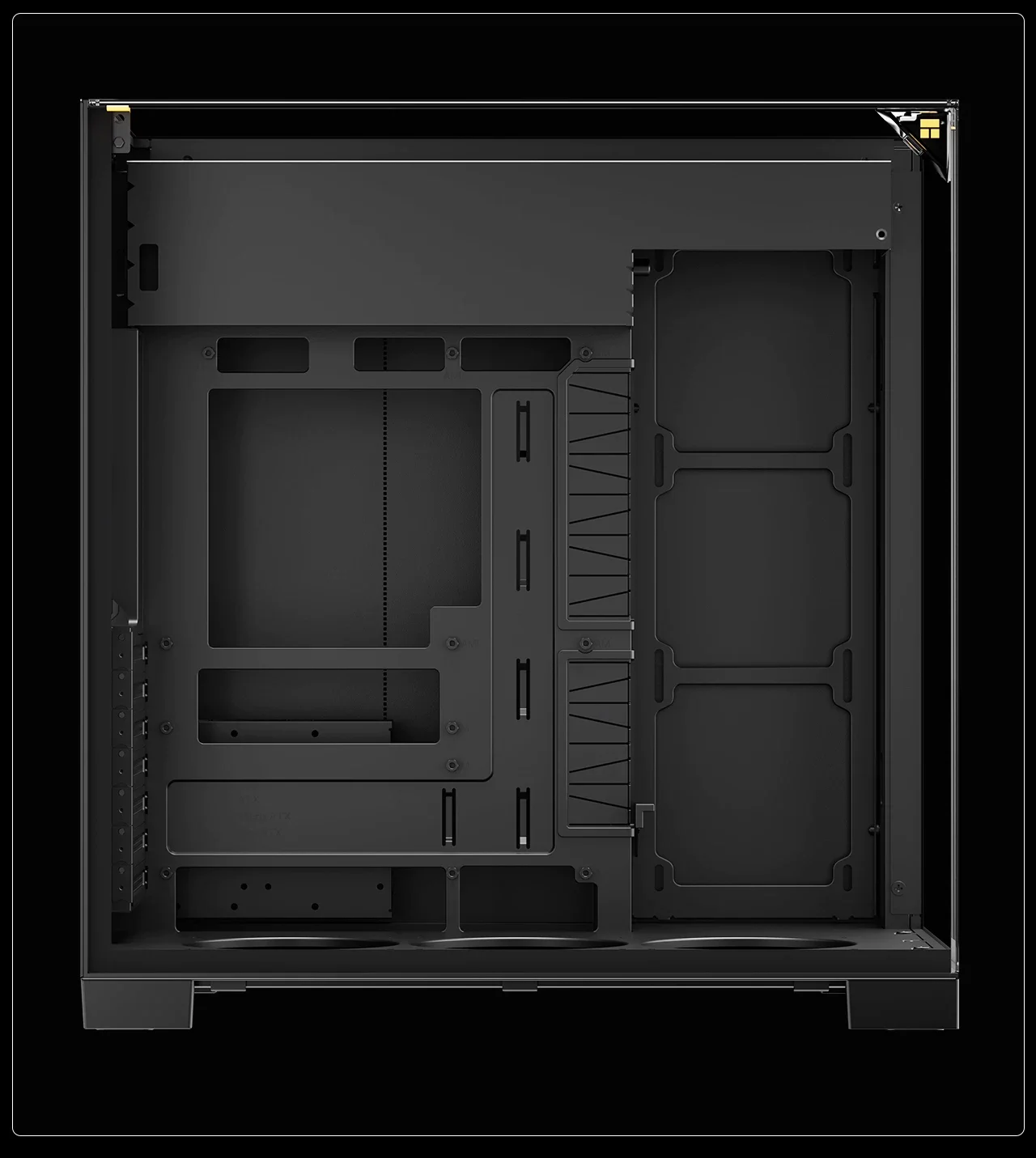
| Cable Management | Integrated Grommets & Chassis Rails | Minimal or None |
How does the fan configuration and airflow system work in the TR-A70?
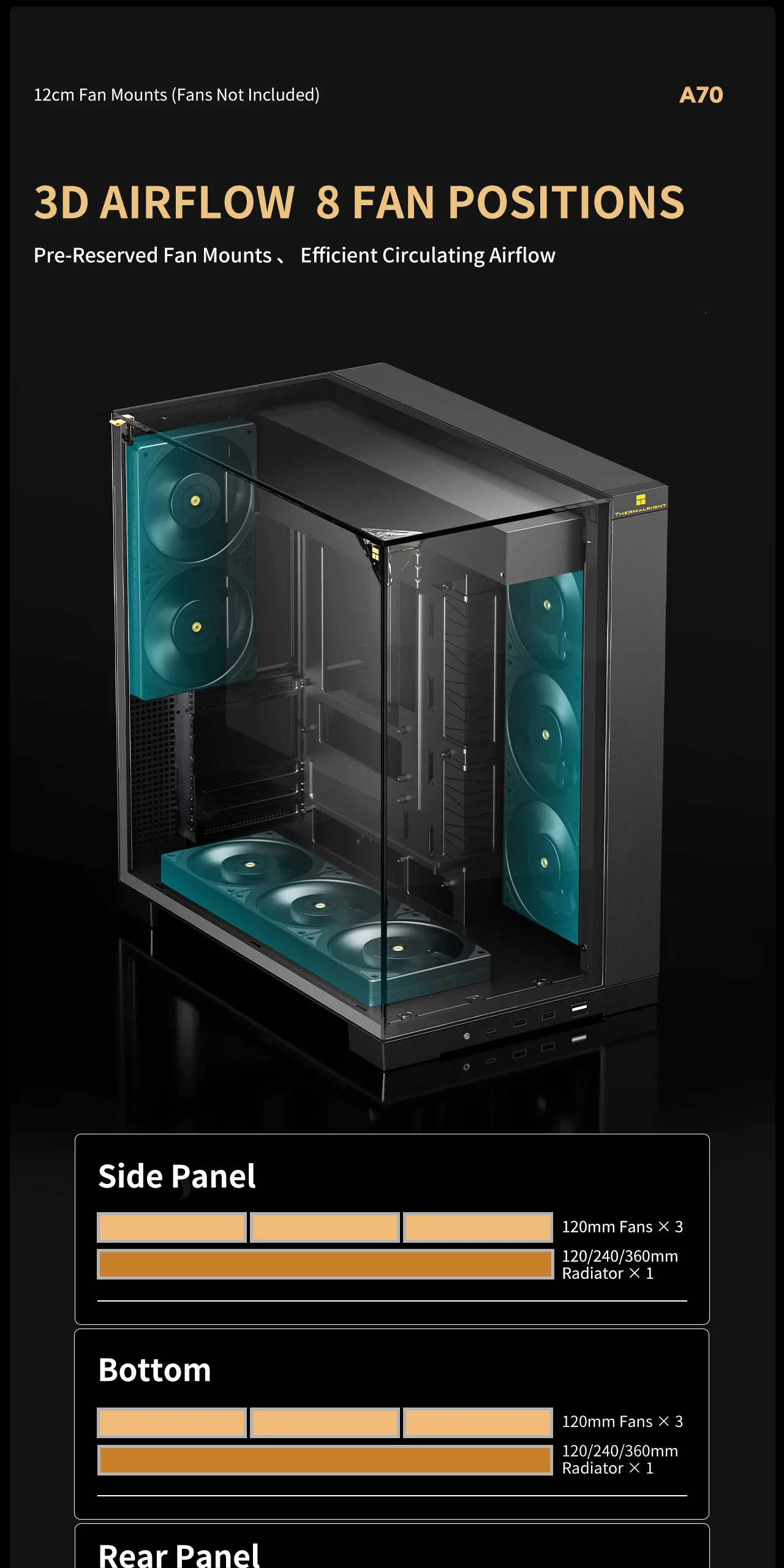
The airflow system in the Thermalright TR-A70 is designed to create a positive pressure environment, which is crucial for keeping dust out while cooling hot components. The case comes with a pre-installed fan setup that includes a front intake fan, top exhaust fan, and rear exhaust fan, ensuring a balanced flow of air through the chassis. For those asking does it come with fan, the answer is a definitive yes, and these fans are high-static pressure models designed to push air through dense component clusters. The a70 vision lighting can be synchronized with these fans, providing visual feedback on system performance.
Optimizing Airflow for Maximum Cooling
To get the most out of the thermalright a70 argb cooling potential, it is essential to configure the fans correctly. The front intake should be set to pull cool air in, while the top and rear exhausts should push hot air out. The side panel, which is tempered glass, allows for a visual check of the airflow patterns. If you are building a thermalright a70 vision setup, you can add additional fans to the front or bottom to increase intake capacity, ensuring that the CPU and GPU never exceed safe thermal limits.
What is the user experience like when assembling a PC in the TR-A70?
Assembling a PC in the Thermalright TR-A70 is a straightforward process that rewards patience with a clean, organized result. The mounting points are precisely aligned, and the included screws and standoffs make installation intuitive. The cable management system, featuring grommets and rails, allows for a tidy interior that looks professional. My experience with the thermalright a70 case was that the initial assembly took about an hour, but the final result was a sleek, white machine that looked better than expected. The a70 argb white finish held up well during the build, showing no signs of wear or scratches.
Step-by-Step Assembly Experience
Here is how I approached the build process to ensure a successful assembly:
- Preparation: I laid out all the components on a large, clean surface, including the motherboard, CPU cooler, GPU, and PSU. I double-checked that the thermalright a70 dimensions matched my parts list.
- Chassis Prep: I installed the standoffs in the motherboard tray, ensuring they were placed at the correct intervals to prevent short circuits. I then mounted the PSU and GPU, verifying that the 420mm limit was not exceeded.
- Internal Cabling: Using the provided cable management grommets, I routed the power cables neatly along the chassis rails. This step was crucial for maintaining the a70 vision aesthetic.
- Mounting the Motherboard: I aligned the motherboard with the standoffs and secured it with the included screws. I took care to ensure the I/O shield was properly seated.
- Final Assembly: I installed the front panel, connected the internal cables, and attached the tempered glass side panel. Finally, I powered on the system and tested the a70 argb lighting synchronization.
How does the TR-A70 compare to other cases in the market?
When comparing the Thermalright TR-A70 to other options, it stands out for its value proposition and specific focus on white builds. While some competitors offer similar dimensions, they often lack the refined finish or the comprehensive fan setup found in the thermalright a70 vision model. The a70 thermalright brand has built a reputation for reliability, and this case reflects that trust. It is not the most expensive option, but it offers features that are typically found in mid-range cases, making it a smrt investment for builders on a budget.
Value Proposition and Feature Comparison
The TR-A70 competes effectively against larger, more expensive cases by offering a compact footprint without sacrificing internal volume. The thermalright a70 case provides a balance between form and function that is rare in the budget segment. Unlike cases that require complex modifications to fit large GPUs, the TR-A70 supports them out of the box. The a70 vision design language also appeals to users who want a cohesive look, whereas many other cases have mismatched panel colors or finishes.
In conclusion, the Thermalright TR-A70 is a versatile and reliable choice for anyone looking to build a high-performance PC with a white aesthetic. Its ability to support large graphics cards and power supplies, combined with its robust airflow system and clean design, makes it a standout option in the market. Whether you are a casual gamer or a content creator, the thermalright a70 case offers the tools you need to build a machine that performs well and looks great. The a70 argb white finish and the a70 vision lighting capabilities ensure that your build will be a focal point in your room, while the thermalright a70 brand reputation assures you of quality and durability.| Brand | Thermalright |
|---|---|
| Warranty | 1 Year Manufacturer |
| Shipping | Same Day From Lahore |
Log In