











Samsung Q Series HW-Q700D 3.1.2ch Soundbar with Sub Woofer
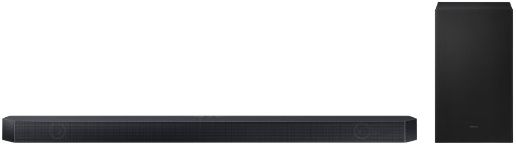


Wireless Dolby Atmos

True 3.1.2ch Sound

Q-Symphony

SpaceFit Sound
Features

Pure sound immersion
Images are simulated and for illustration purposes only.TV sold separately.

Top 4 Features

Wireless Dolby Atmos
Wireless Dolby Atmos with Samsung TVs
True 3.1.2ch Sound
Stunning overhead audio with 2 up-firing channels
Q-Symphony
TV and Soundbar orchestrated in harmony
SpaceFit Sound
Tailored sound to fit your space

A close-up on a Soundbar sitting underneath a TV, along with the logos for Dolby Atmos and DTS:X. A Wi-Fi signal icon pops up near the Soundbar. The scene zooms out to reveal an entire living room. Sound waves emanate from the Soundbar, reflecting off the ceiling and traveling to the back of the room.
Dolby Atmos and DTS:X source content required.

In a living room, a couple sits on a sofa and watches TV. The TV is installed onto the wall, with a Soundbar and subwoofer underneath. The Soundbar gives off angled sound waves that travel up, hit the ceiling, and bounce down to the back of the room. Then round sound waves emanate from both the Soundbar and subwoofer
Q-Symphony

A TV screen depicts a lively concert scene. Directly underneath is a Soundbar. When Q-Symphony is Off, the Soundbar plays audio by itself, giving off small sound waves. When Q-Symphony is On, the TV and Soundbar play audio together at the same time, with both giving off large sound waves in sync.
Requires HDMI, Optical or Wi-Fi connection to TV.

A living room with modern decor transforms into a sketch style, with the objects fading into mere outlines. The TV gives off a single pulse that travels across the entire room and analyzes the space. Then the Soundbar and subwoofer emanate sound waves, indicating that audio is being played.
Sound Quality

Adaptive Sound
Sound optimized for each scene
Adaptive Sound automatically optimizes the sound for specific audio content, delivering clear voices and detailed sounds according to the content and volume.

Samsung Audio Lab
Engineered by sound innovation expertsTested and tuned at our California Audio Lab, world-class audio engineers apply advanced acoustic technologies for balanced, room-filling sound.

Convenience

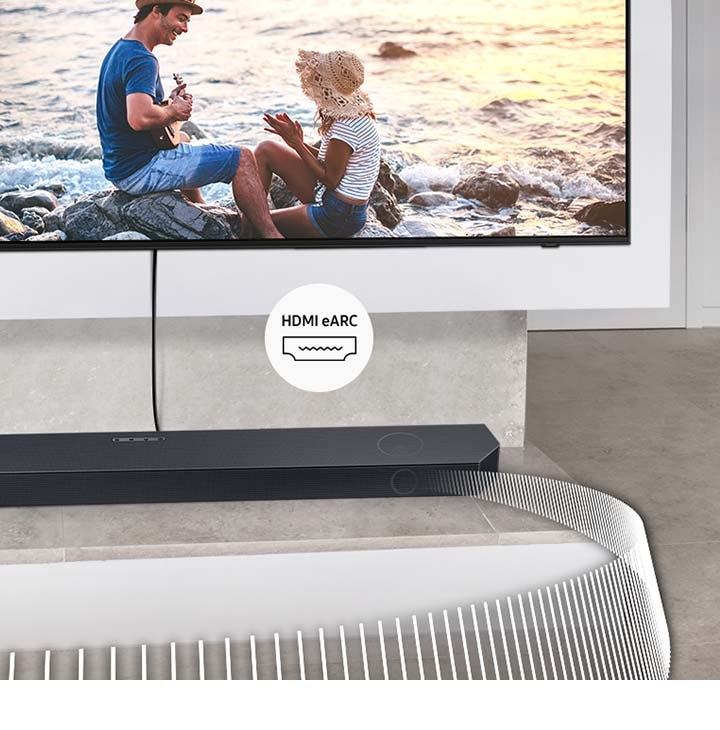
HDMI eARC
Voice Assistant & Streaming Features
Apple, AirPlay, iPad, and iPhone are trademarks of Apple Inc., registered in the U.S. and other countries and regions.
This Samsung Soundbar supports AirPlay and requires iOS 11.4 or later.
Feature availability may vary by region/service provider/language.
To connect a Soundbar to a mobile device via a wireless network (Wi-Fi), the SmartThings app is required.
AirPlay
Apple, AirPlay, iPad, and iPhone are trademarks of Apple Inc., registered in the U.S. and other countries and regions.
This Samsung Soundbar supports AirPlay and requires iOS 11.4 or later.
Feature availability may vary by region/service provider/language.
To connect a Soundbar to a mobile device via a wireless network (Wi-Fi), the SmartThings app is required.
Tap Sound
Just tap to connectMirror your mobile audio to your Soundbar. With a simple tap, your music switches seamlessly to play in incredible soundbar quality.

A hand holds a phone playing music and taps it lightly against a Soundbar. Instantly, the Soundbar gives off a series of round sound waves, indicating that it's playing the same music as the phone.
 Tap Sound works with Samsung mobile devices running on Android 8.1 and above with the SmartThings app installed.
Game Mode Pro
Be a part of the game with dynamic soundImmerse yourself in the game with powerful 3D sound. Soundbar automatically optimizes your sound for gaming when it detects a console connected to the Samsung TV, and it even optimizes specifically for the genre in Samsung TV's Gaming Hub.


Game console sold separately.
Compatible devices may vary.
SmartThings App
Compatible with the SmartThings app
Connect your sound devices to the SmartThings app via Wi-Fi, and easily control the sound settings and group play function from your mobile device. SmartThings also lets you access the voice assistant and music streaming features, seamlessly transforming your sound devices into music players that can be operated hands-free.


 Requires a mobile device running on Android 9.0 or above or iOS 15.0 or above (subject to change on software update) with the SmartThings app installed.
Group Play can support up to five devices and must be connected to 5Ghz on the same Wi-Fi network.
Available functions may vary by region, service provider, network environment or mobile device, and are subject to change without notice.
Synergy with TV

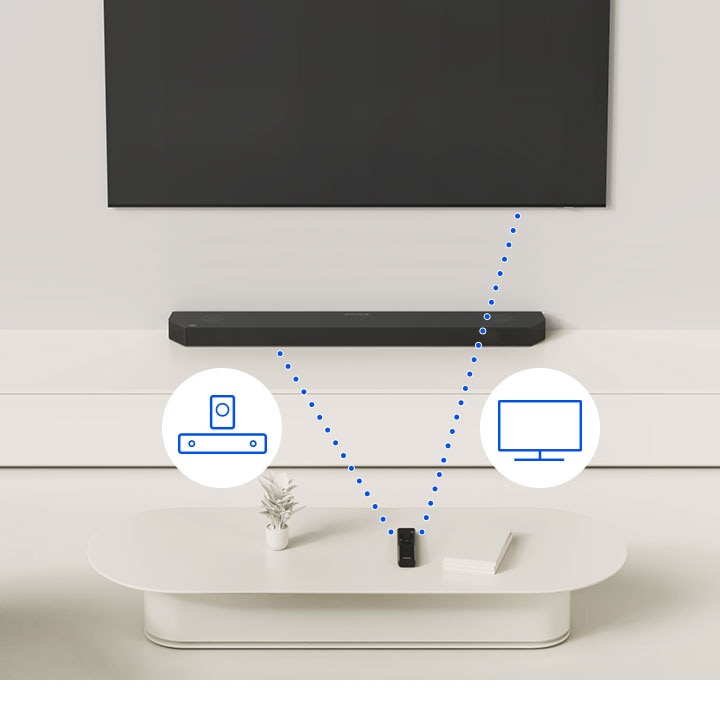
Available on Bluetooth compatible Samsung TVs.
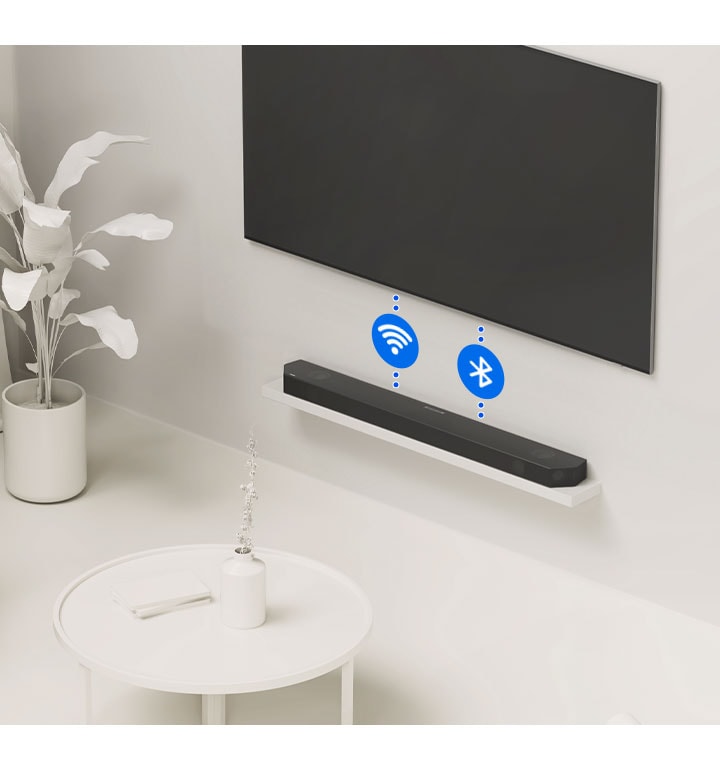
Available on Bluetooth or Wi-Fi compatible Samsung TVs.
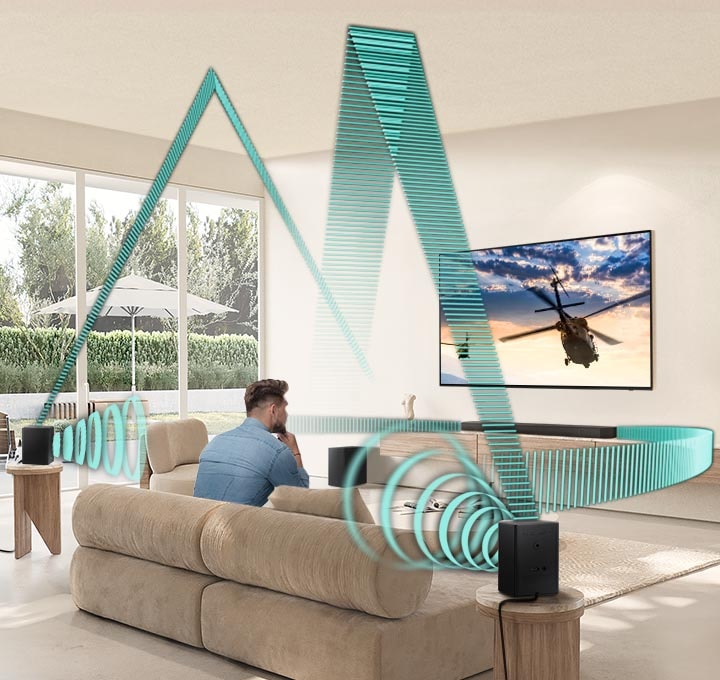
Better Together

Samsung Wireless Rear Speaker Kit requires power cords to connect to right and left rear speakers.
| Brand | Samsung |
|---|---|
| Warranty | 7 Day Replacement |
| Wireless | Yes |
| Shipping | Same Day From Lahore |
| Color | Black |