



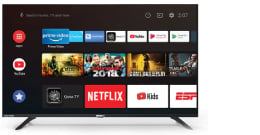




Samsung 83" S90F OLED 4K AI Smart TV (2025)
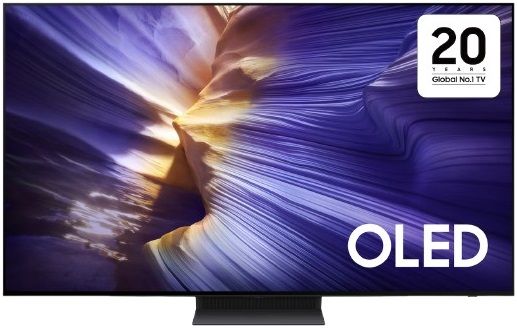

Samsung 83" S90F OLED 4K AI Smart TV (2025)
Enrich your experience with Samsung Vision AI

An OLED TV with Samsung Vision AI displays purple structures like glaciers on its screen.
Key features at a glance


Companion that enriches your life

A smarter voice assistant
Bixby
With updated intelligence, Bixby in your Samsung AI TV is the perfect center of your AI home. It can process multiple commands at once, and it's better at grasping the wider context. Enjoy smoother conversations, easier searches, more intuitive reactions and seamless device control.
Not all accents, dialects and expressions recognized.* Q8F and above support far-field mics. Q7F and above support TV remotes. U8000F needs a SmartThings mobile remote.


Our most advanced AI-powered 4K processor
NQ4 AI Gen3 Processor
Powered by 128 AI neural networks, this AI processor enhances your picture and sound to superb heights. Enjoy the best 4K TV experience, whether you're streaming OTT services, playing your favorite video games or watching live sports.

Samsung NQ4 AI Gen3 Processor chip descends on the TV's main board and lights up with waves of power surging from the chip to the rest of the TV.

Viewing experience may vary according to types of content and format. Upscaling may not apply to PC connection and Game Mode.
Boost shows and movies to 4K resolution
4K AI Upscaling Pro
Watch your favorite content in more brilliant detail. Our AI processor can take your content and enhance it up to 4K resolution with 128 AI neural networks — all while maintaining incredibly sharp and smooth picture quality.

Image of a little girl kissing a puppy. The Samsung NQ4 AI Gen3 Processor appears on the photo and enhances several details, including the girl’s hair and clothes and the puppy’s face. The result is a much sharper image where subtle details are visible.
Picture Quality

Powerful brightness and deeper contrast
OLED HDR+
Our processor analyzes each scene and boosts for improved brightness. The result is an incredibly bright screen with a deeper range of contrast, which makes even minor details stand out.

The range of HDR luminance is based on internal testing standards and is subject to change according to viewing conditions or specifications.
More about
Picture Quality


Deep blacks, clean whites and lively colors
OLED
Samsung’s unique OLED expresses deep blacks, clean whites and a full range of lively colors. With cutting-edge self-illuminating pixels, what you see is a picture that's pure, bright and more accurate than ever before.


Gaming Experience

Unbeatable high performance for the gamer
Ultimate Gaming Pack
Unlock the ultimate gaming experience with Motion Xcelerator, AMD FreeSync and NVIDIA G-Sync. These advanced technologies provide ultra-smooth, tear-free, low-latency gameplay with real-time responsiveness for an immersive experience.

Get smooth motion for games up to 144Hz
Motion Xcelerator 144Hz
Enjoy seamless visuals at incredibly fast speeds. Samsung’s unique dynamic refresh technology provides smooth motion performance for VRR games up to 4K 144Hz.
4K 144Hz is only available with PC connected games that support such specifications (PC graphic card required).
Performance may vary.


FreeSync Premium Pro
Built on AMD FreeSync™ core technology to reduce stutter and screen tearing, FreeSync Premium Pro provides a true HDR gaming experience. It produces exceptional high dynamic range visuals while maintaining low latency for effortlessly smooth gameplay.

G-Sync Compatible
Stay ahead of the action with sharp, precise movements. Validated by NVIDIA, G-Sync technology reduces screen tearing and stuttering to provide smooth gaming and enhanced immersion.
More about
Gaming Experience


Fine-tune your game settings as you play
Game Bar
Optimize your gameplay even more with Game Bar. Samsung TVs give you a handy in-game menu for settings like FPS, input lag, minimap zoom and more. It also lets you apply ultra-wide aspect ratios of 21:9 and 32:9 to expand your view on bigger screens.
Super Ultrawide GameView (21:9, 32:9) is available for certain PC games.Some game titles may not support this feature.
Game Bar's Zoom-in mode is not supported for certain refresh rates.
Game Bar UI is subject to change without prior notice.


Sound


TV and soundbar play together in smooth harmony
Q-Symphony
Surround yourself with beautifully orchestrated sound. Samsung technology syncs the TV and soundbar audio to play simultaneously — without muting the speakers of either device.
Check for Q-Symphony compatibility on soundbar product specifications.Soundbar sold separately.
The location and number of speakers may vary depending on the model.


One UI Tizen

Personalize your screen experience
One UI Tizen
One UI Tizen provides a personalized screen experience. With Samsung Tizen OS, it delivers all the latest innovative Samsung features. Your experience is also secured by Samsung Knox across SmartThings devices. Plus, One UI Tizen will support Tizen OS upgrades for the next 7 years.

Enjoy 7 years of
new TV experiences
for free

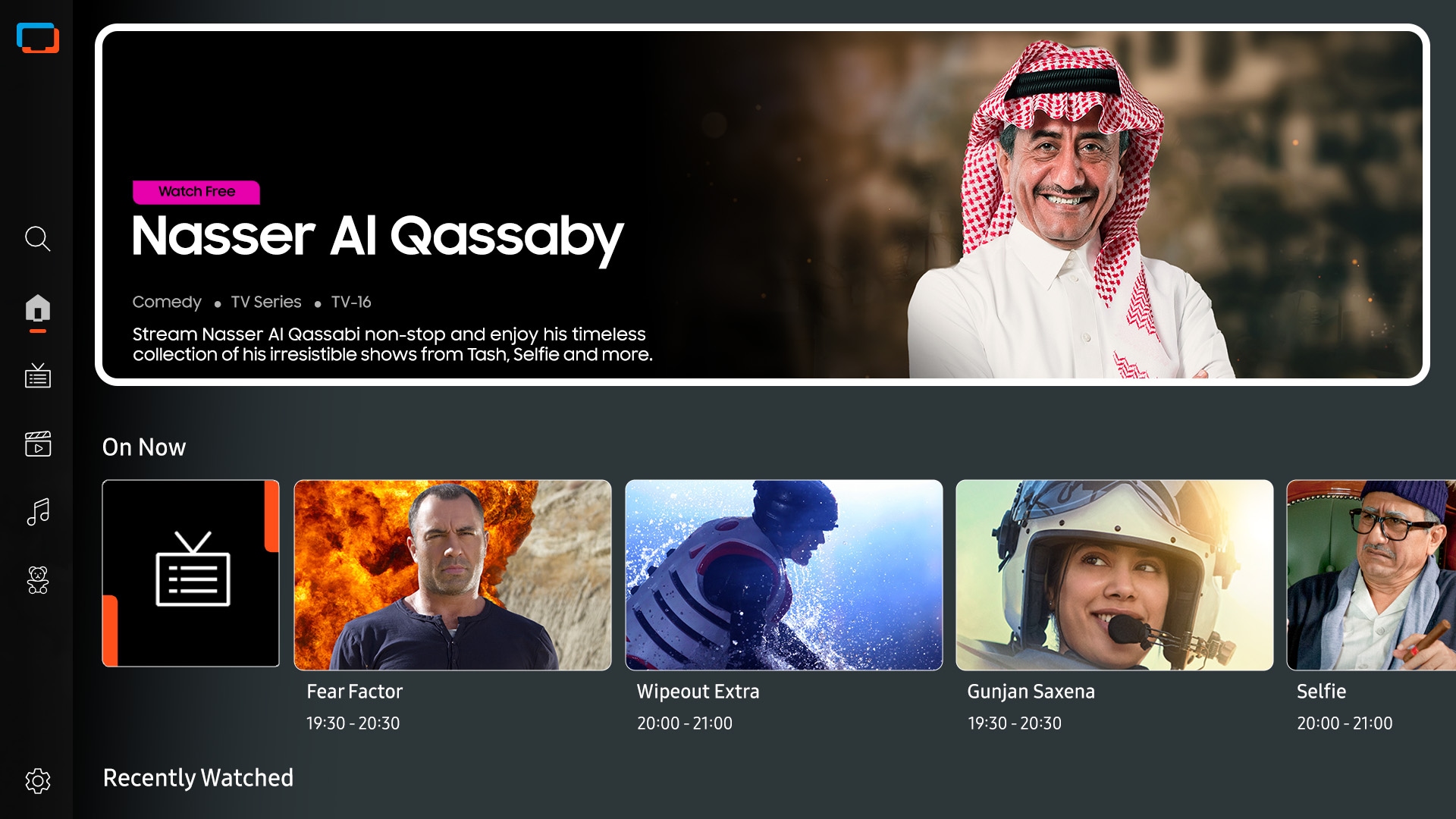
Access free channels with Samsung TV Plus
Endless Free Content
Access free channels, including Samsung TV Plus premium channels. Enjoy news, sports, movies, entertainment, music, kids’ shows and more. With new content continuously added, there’s always more to explore.

Array of screens showing various content. Aerial shot reveals more screens and vast amount of content available. Endless Free Content. Other screens appear. Experience, smart, beyond. Screens move to the side as if scrolled through. TV show, sports, movie, drama, music. Upscale Your Entertainment.
The best of TV. All for free.
Samsung TV Plus
Dive into a vast collection of shows, movies and other content on Samsung TV Plus. It comes installed for free on your TV — no payment, subscription or setup required.
Channels may vary by country and are subject to change without notice.
Supported Samsung devices may vary by country.
Requires Samsung account.
UI is subject to change without prior notice.
Ads may appear on Samsung TV Plus.
Available for free on Samsung Smart TVs released since 2016.
More about
One UI Tizen


Access useful info even when your TV is off
Daily Board
Have useful widgets appear on your TV throughout the day. Even when your screen is off, your TV can detect when users come nearby and activate to display Daily Board. You can customize it with widgets like Weather, Memo, Music and more. Daily Board can also be activated hands-free by voice command.
Supported widgets vary by region and are subject to change without notice.
SmartThings

Connect and manage your smart home devices, all from your TV
SmartThings
With a built-in smart hub, your TV can connect and control smart devices — even those requiring Matter and HCA compatibility. You can also get notifications about your devices straight from the screen, including a 3D Map View that shows your entire smart home system at a glance.

TV in living room shows SmartThings screen. SmartThings and Matter logos. Icons appear over the connected devices. Zoom in on TV shows SmartThings in different rooms. Focus on light’s status. It goes from Off to On. Blind goes from Off to Opened. Zoom out to show TV displaying smart home info.
More about
SmartThings


Gestures to control with your watch
Universal Gestures
Easily control your TV with your smartwatch. Just wear your Galaxy Watch and use hand gestures, like pinching to select an option, or moving your wrist back and forth for pause and play.
Available apps and services may vary and are subject to change without notice.Only supported on Galaxy Watch4 and later models, and Wear OS 5 and higher versions.


Design

A sleek design that complements any space
LaserSlim Design
OLED’s sleek and stylish design combines unique beauty with strong functionality. Featuring a groundbreaking slim form factor and minimalistic bezel, your TV blends seamlessly into any interior.

A close-up shot of a corner of a TV. Cut to a close-up shot of the bottom of the TV. Cut to a side perspective of the TV, which is a slim frame like a line. A burst of light travels through the TV frame. The TV rotates around to its front view, to show an abstract purple landscape on screen.
Sustainability

Charge it with light
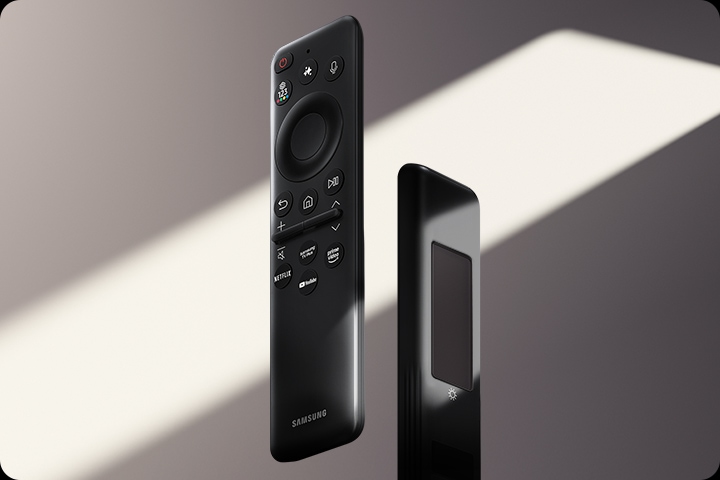
SolarCell Remote
With a solar panel on its back, our SolarCell Remote is charged by light — no need for disposable batteries. And with smart features like a built-in microphone and voice assistant, this remote is innovative in more ways than one.
To charge the remote with solar energy, set the TV remote down with the solar panel facing up. Place it in your living room while your lights are turned on, or you can place it near a window where it will soak in natural sunlight.
In case the remote's battery is depleted, you can charge it using a USB-C cable. To check the remaining battery level of the remote control, refer to the TV Menu (Settings > General & Privacy > Power & Energy Saving > Available Remote Battery).
| Brand | Samsung |
|---|---|
| Screen Size | 83" |
| Tv Features | OLED |
| Warranty | 1 Year Manufacturer |
| Shipping | Same Day From Lahore |