









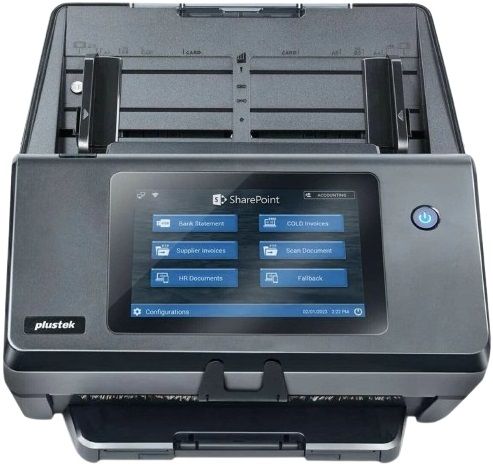
Plustek eScan A450 Pro Network Scanner

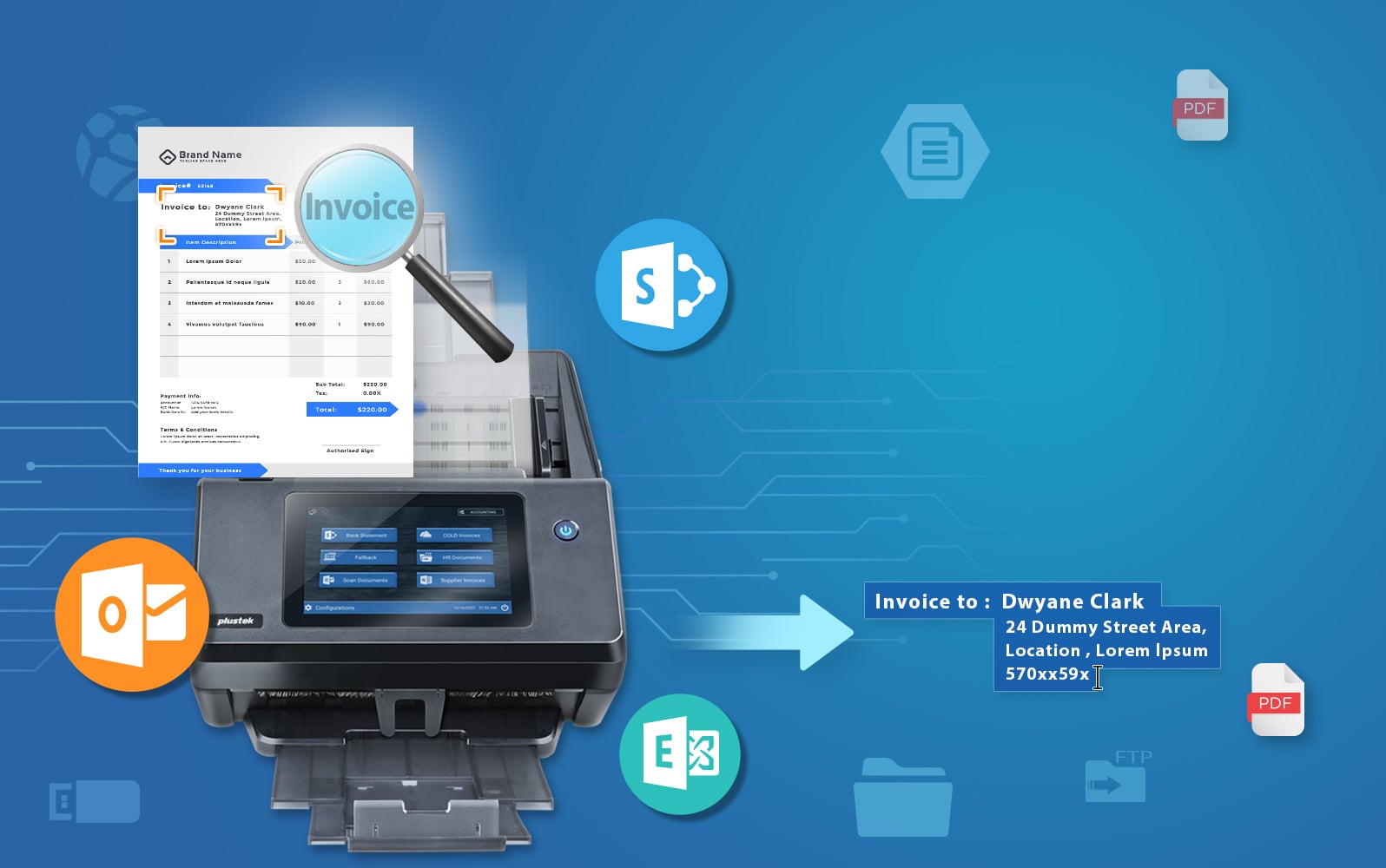
One Tap to Various Document Sharing Platform
SharePoint On-Premises Server
Microsoft 365
Microsoft Exchange
SMB 2.0 / 3.0
Azure File Storage
FTP/SFTP/FTPS
USB Flash Drive
Add Watermarks Automatically
Plustek eScan A450 Pro network scanner allows you to setup watermark on your digital scans through Text or an Image. Adding a watermark to corporate document helps ensure confidentiality and prohibit others from stealing the material. Create a visible image imprint directly on the scan document.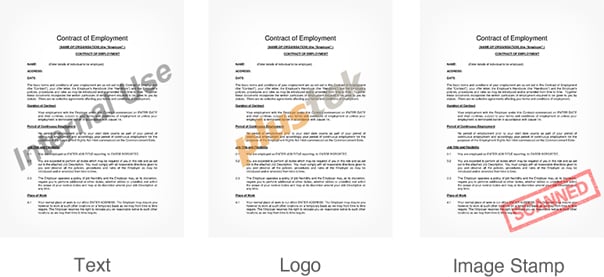
Advanced Image Processing
Simplifies digitizing process, allows each and every document scan is crisp and clear, just the way you like it, without spending additional time to reorganize.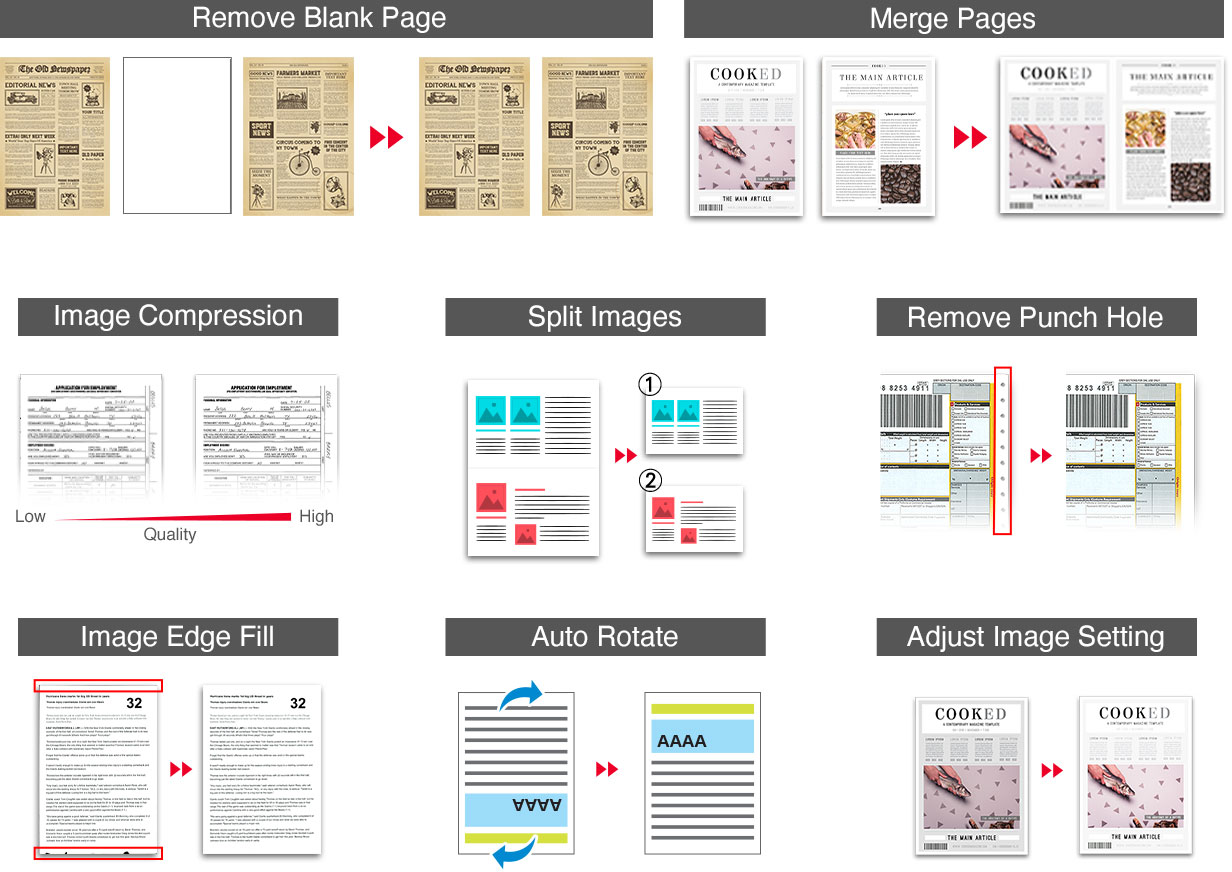
Built-In Preview & Editing Tool
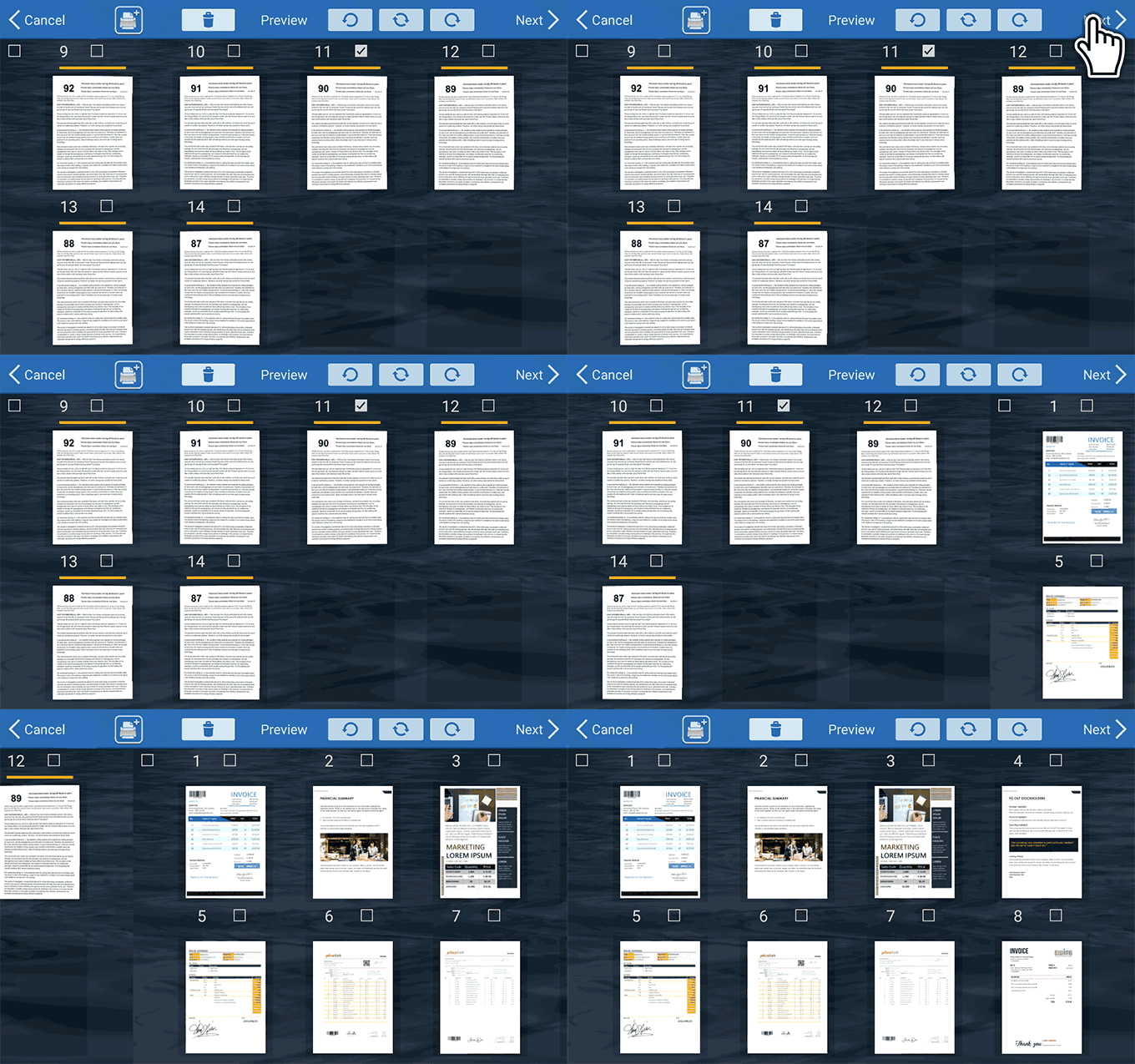
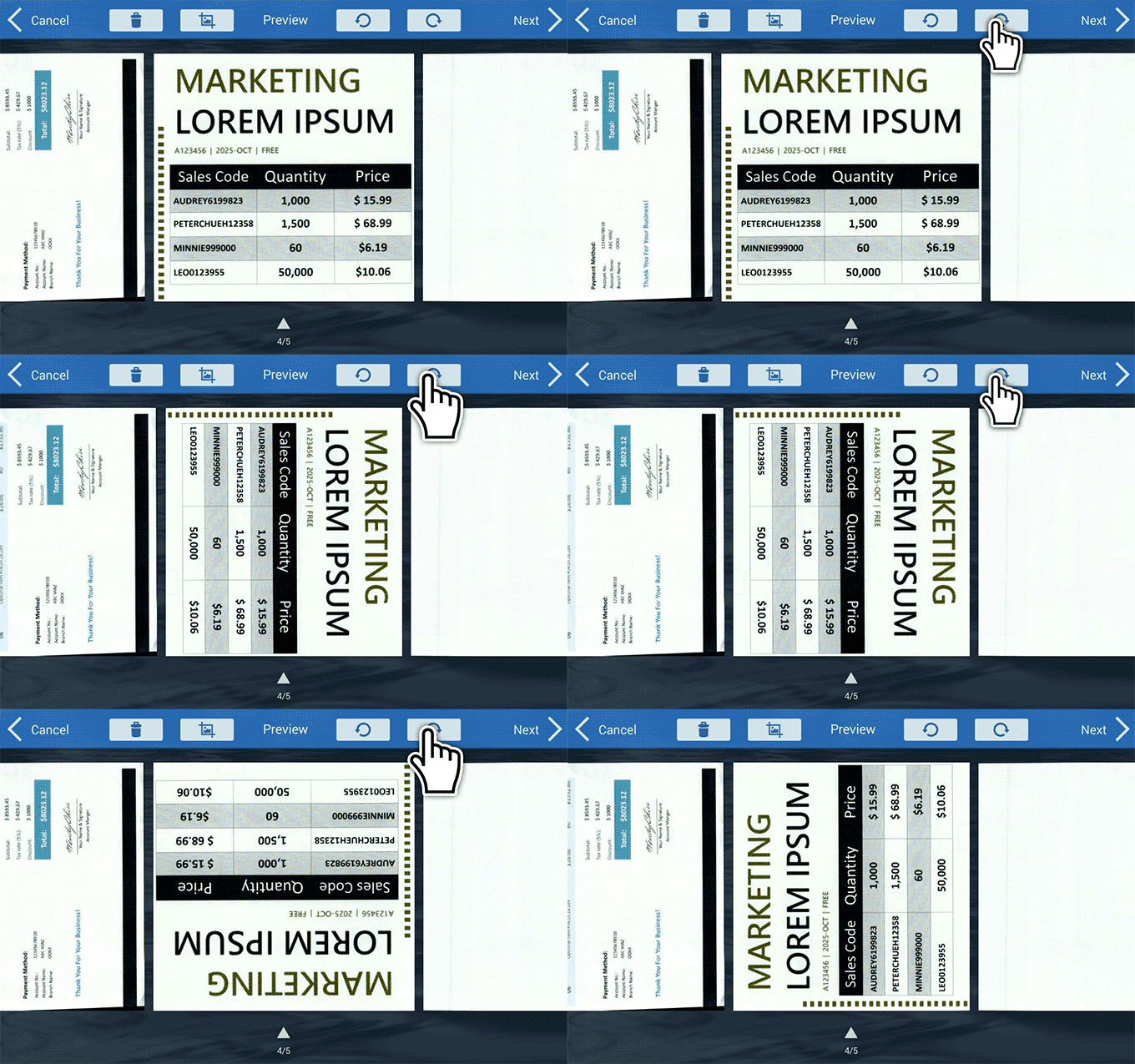
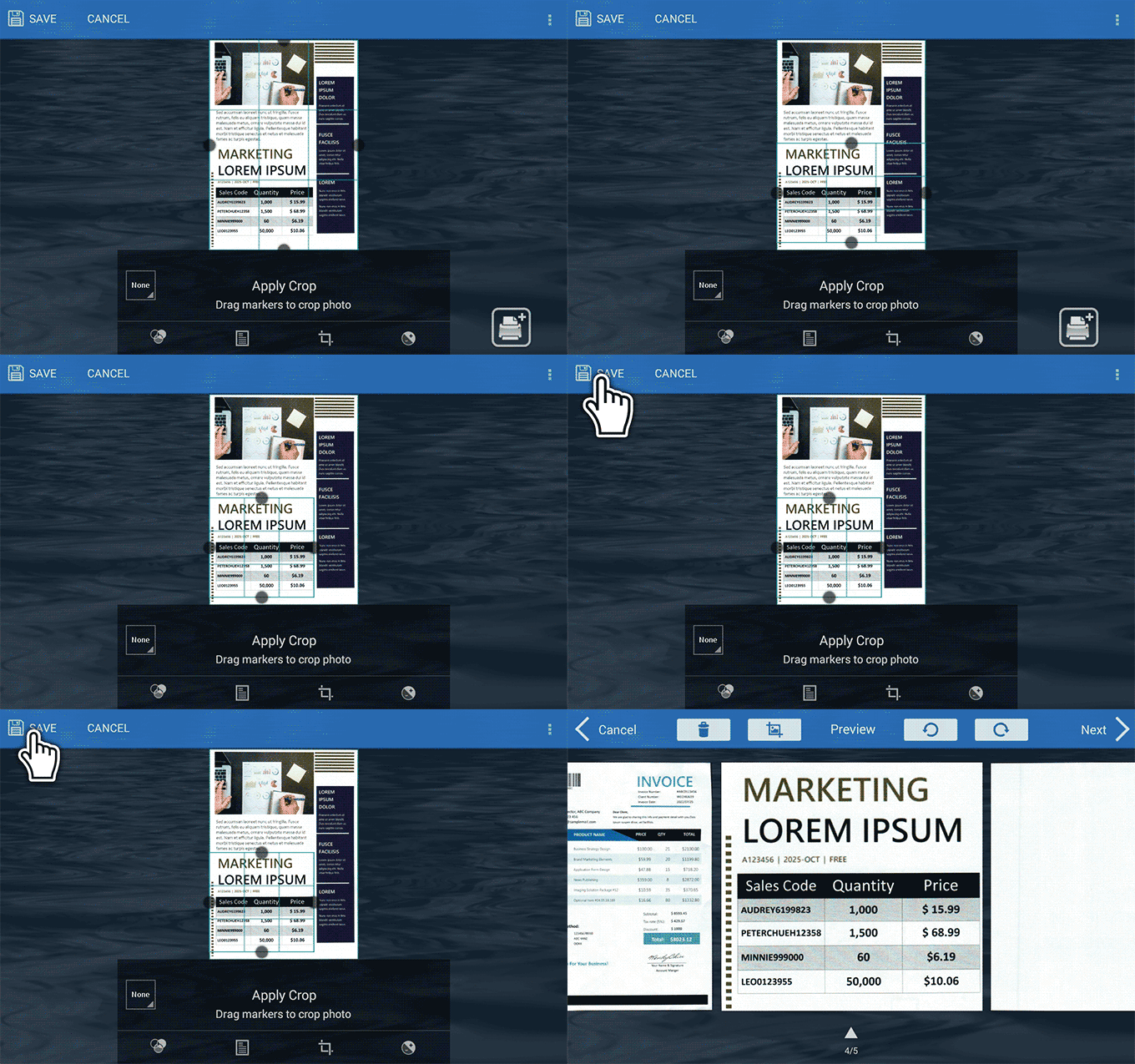
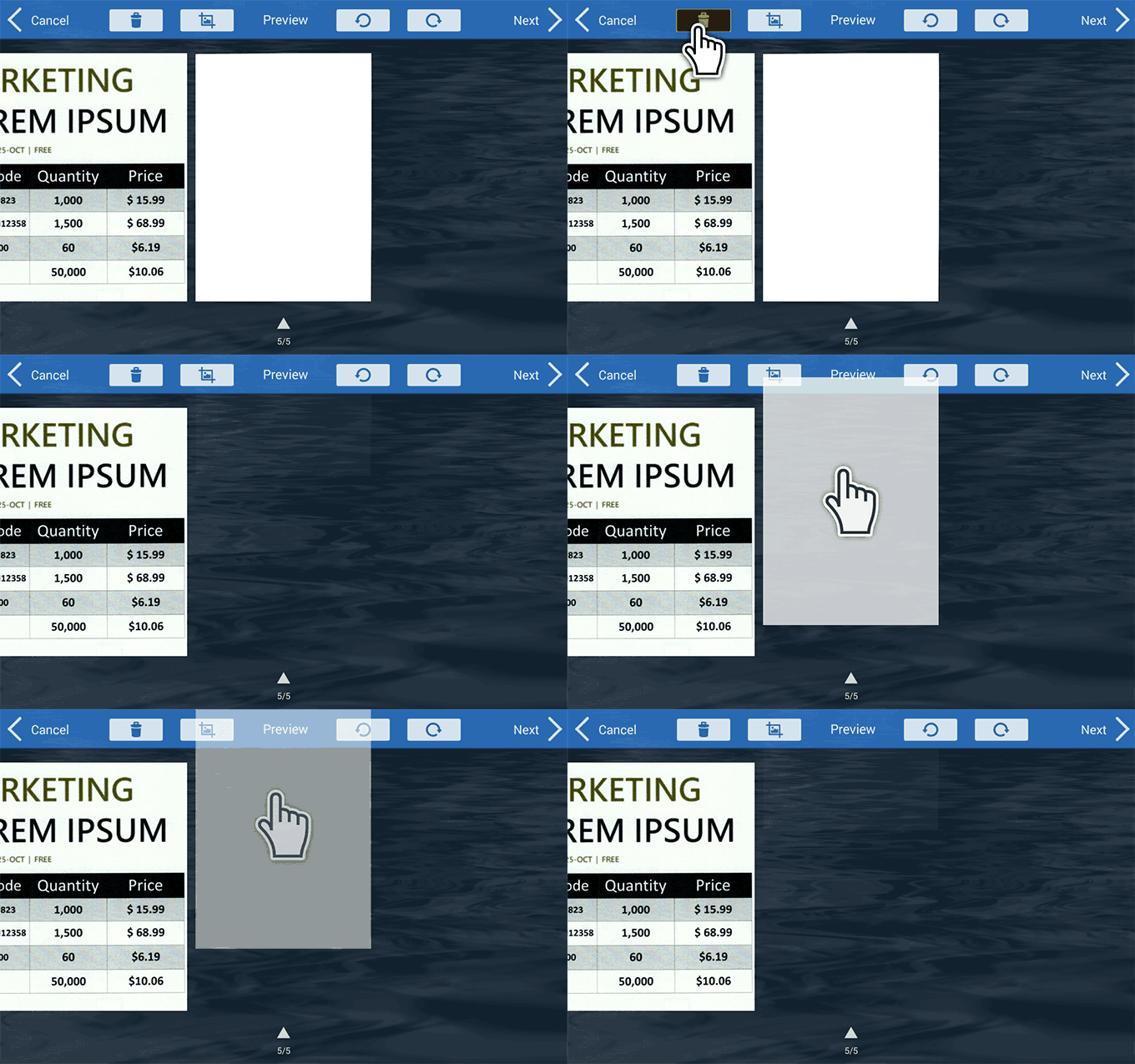
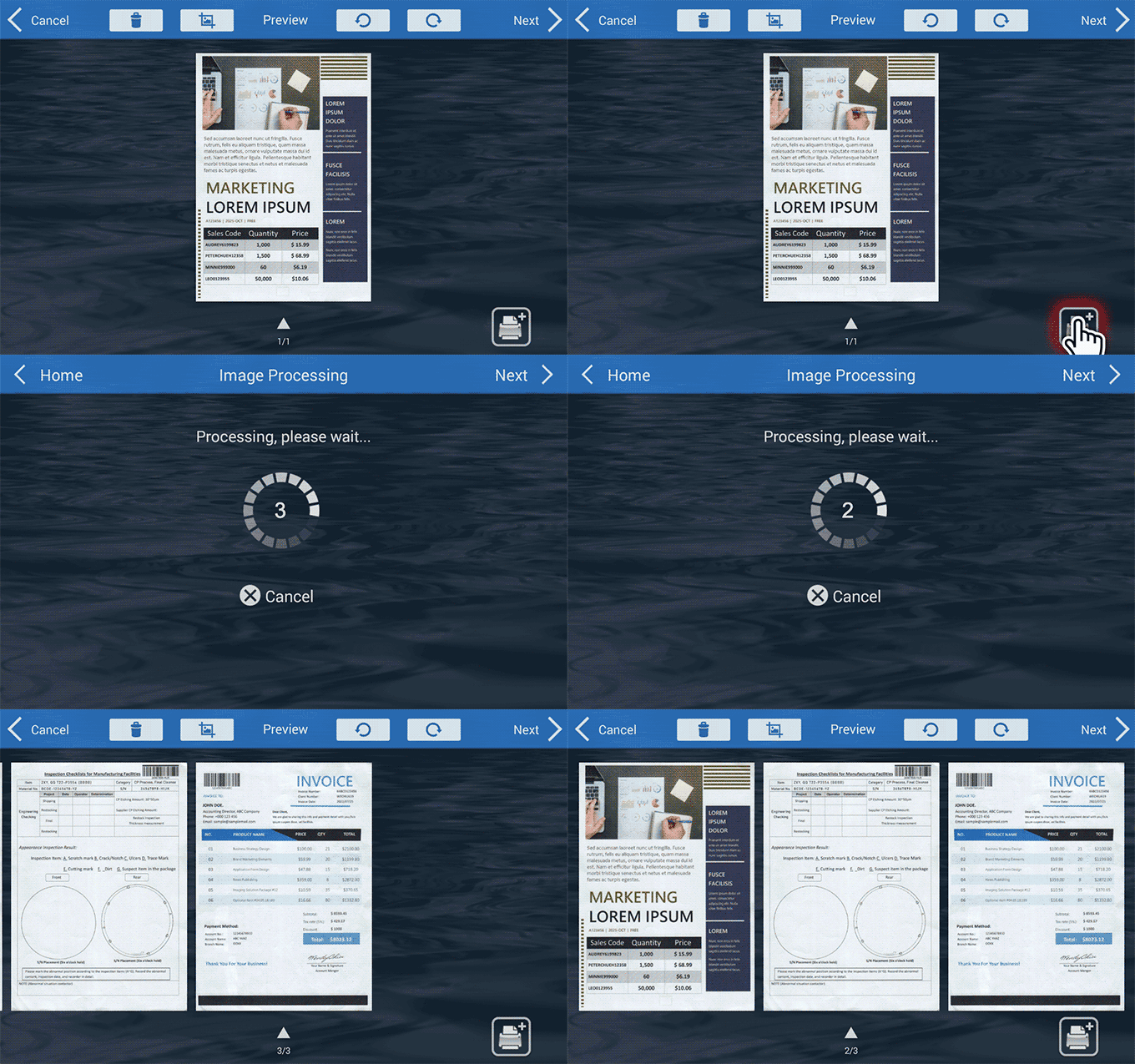
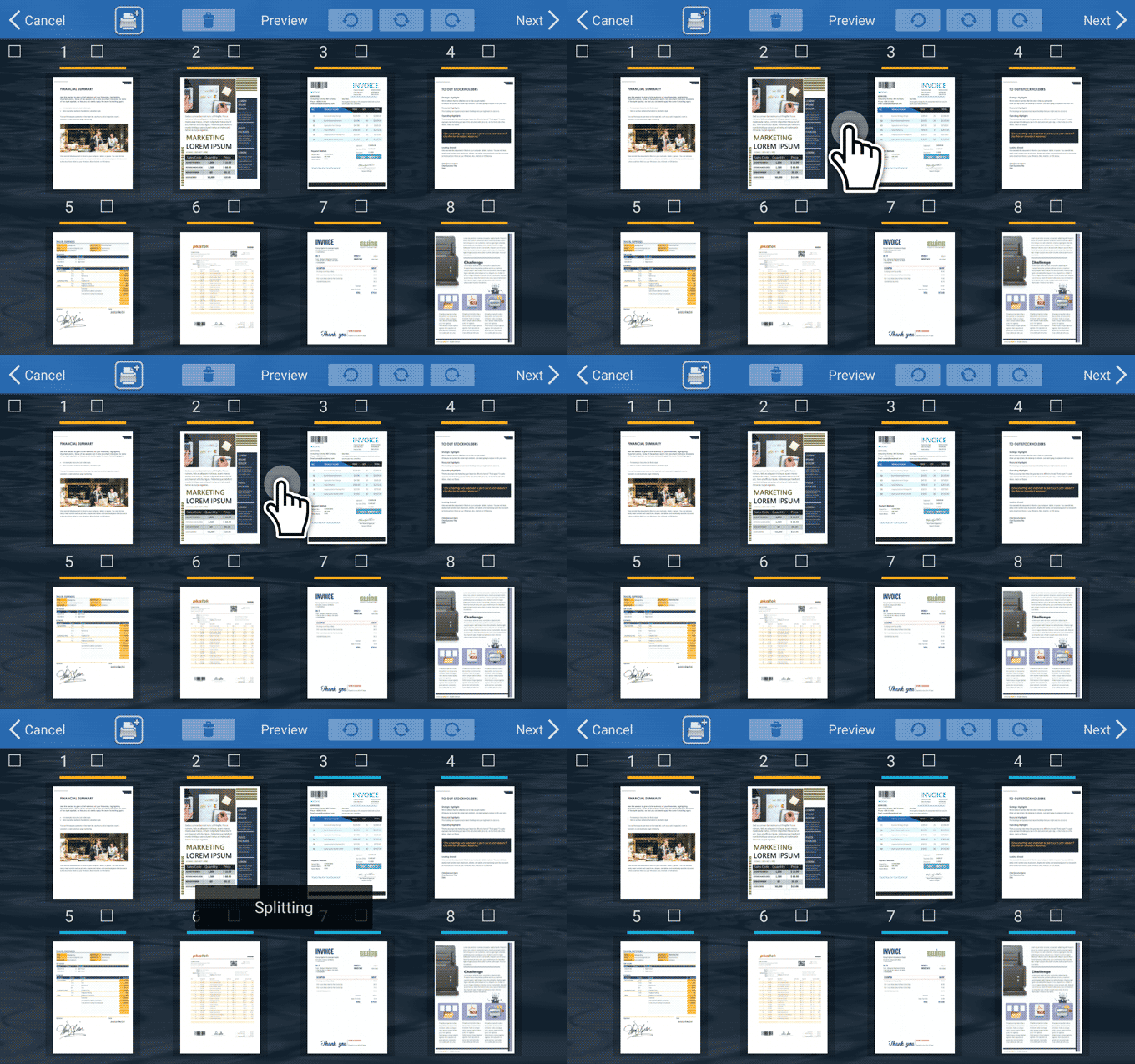
Rotate, crop, remove pages that you don't need, insert more pages to the batch, or split the scans further into multiple files,easily from one location.
Continuous Scanning

Simple Separation Mechanism Methods
Perform document separation automatically by count, inserting blank sheets of paper,by detecting barcodes, or perform separation manually as you scan.
Built-in Barcode Recognition
Supports up to 12 barcode types, including both 1D and 2D barcodes (QR Codes).
With a few configuration user can rename document and split documents with ease.

Case Study:
Success Stories with Plustek eScan
Discover the benefits of Plustek eScan through real-world examples

Massis Kabob uses Plustek eScan SharePoint scanners to improve business process efficiency
Learn how Massis Kabob restaurant franchise benefits from eScan and enabled them to send documents from their 6 locations to the main office more

Encrypt PDF Documents
Protect your confidential documents with password protect encryption to grant accessibility to open, modify docs, print, or cop the scan docs.

SharePoint Document Check-In
Supports SharePoint library metadata fields. Users are automatically prompted to enter metadata before documents are streamline to its destination

Built-in OCR
Make your scanned PDF searchable, no PC required. The built-in OCR quality, supporting over 100+ languages.

Add watermark
Insert digital watermark by text or image to control and protect sensitive or confidential documents.

Long Paper Scan
Support scanning up to 9.65" x 200"(21.6 x 508cm).

Fast & Duplex
Scan speed
60ppm/120ipm.

Automation
Save all scan settings in one job button, including saving destination and auto file naming.

High Durability
Recommend daily duty sheets up to 8,000, Equipped with ultrasonic multi-feed detection.
| Brand | Plustek |
|---|---|
| Warranty | 1 Year Manufacturer |
| A3 | No |
| Scane Type | Sheetfed |
| Shipping | Same Day From Lahore |
| Scan Speed Black | 51 - 60 ppm |
| Scan Speed Color | 51 - 60 ppm |
| DPi | 600 |