














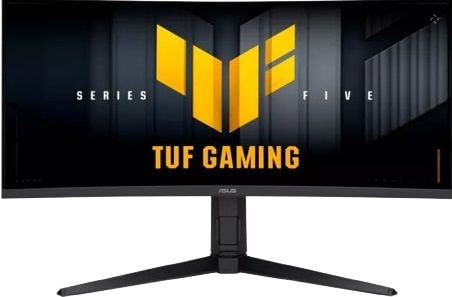
Asus TUF Gaming Series 5-34'' VG34WQML5A Curved WQHD gaming monitor

UPGRADED SPEEDUNSTOPPABLE GAMING PERFORMANCE
Boasting an impressive 250 Hz refresh rate (OC) and a 0.5ms (min) GTG response time, VG34WQML5A delivers lightning-fast gameplay with buttery-smooth, lag-free visual.
-
0.5 ms
-
250 Hz

 60 HZ REFRESH RATE250 HZ REFRESH RATE
UPGRADED FLUIDITYGAME WITHOUT LIMITS
VG34WQML5A supports AMD FreeSync Premium technologies for smooth, tear-free visuals. Additionally, ASUS ELMB Sync eliminates ghosting during high-frame-rate gaming.
-
ELMB SYNC
 VRR OFFVRR ON
UPGRADED COLORSVIBRANT COLORS, ENHANCED GAMPLAY
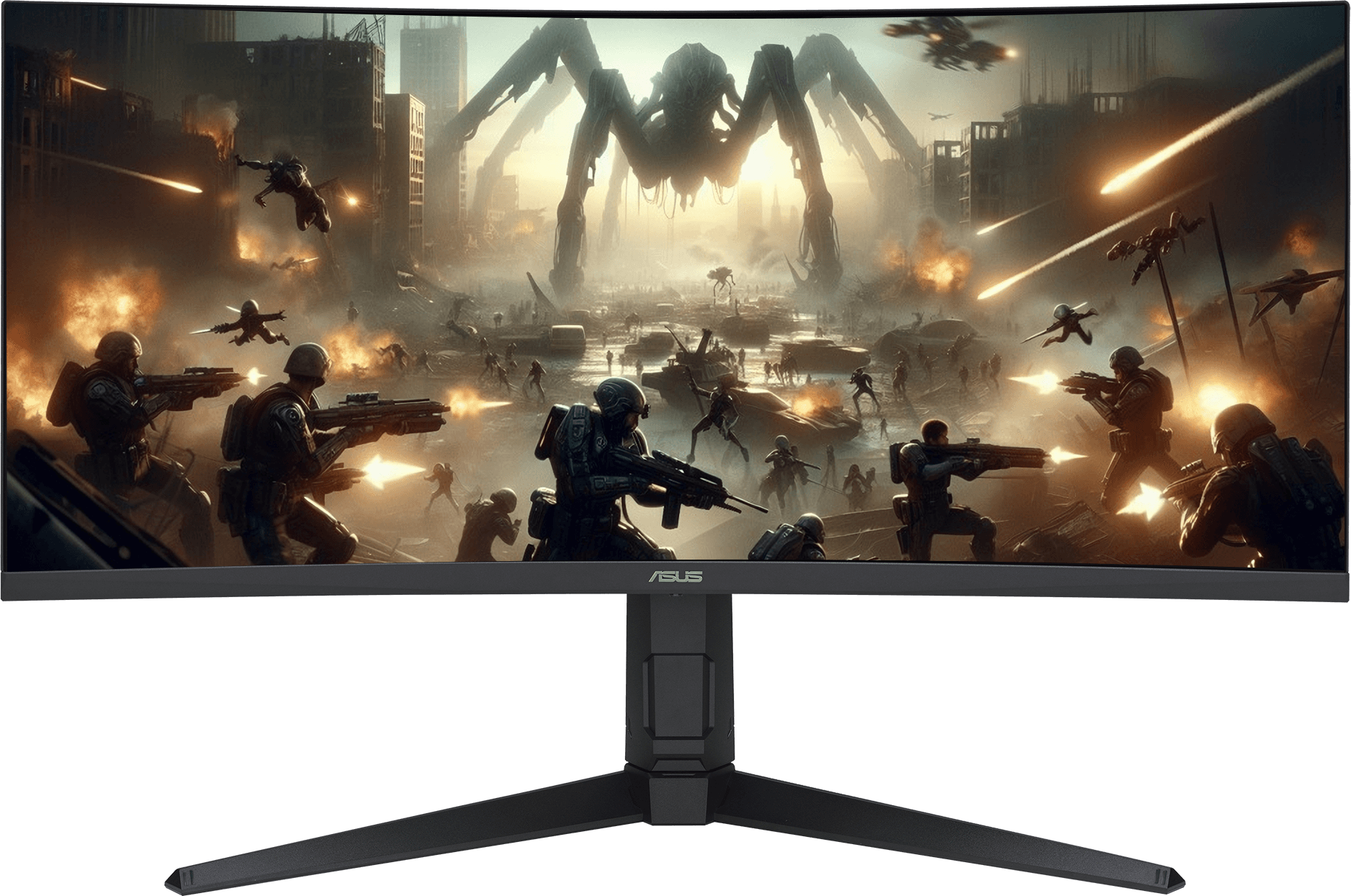
DisplayHDR™ 400 and 95% DCI-P3 enables VG34WQML5A to showcase vibrant colors and deeper contrast for stunningly-immersive visuals.
-
 95% DCI-P3

UPGRADED GAMING AISMARTER PLAY, GREATER WINS

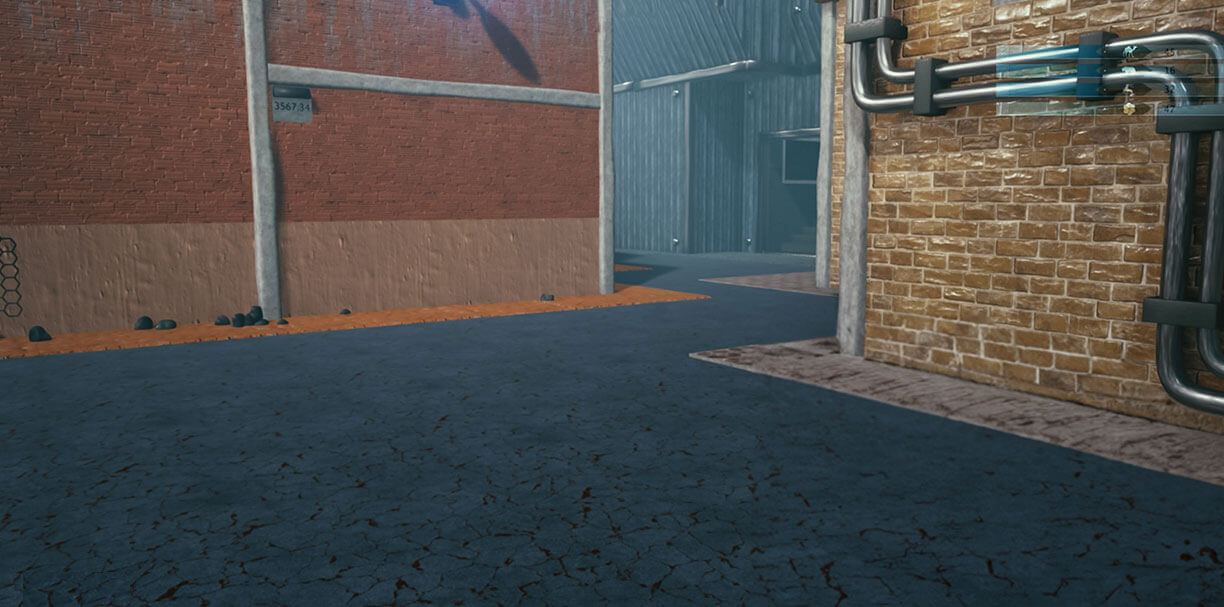
Automatically changes the crosshair to a color that contrasts with the background, so it stands out for more accurate aim
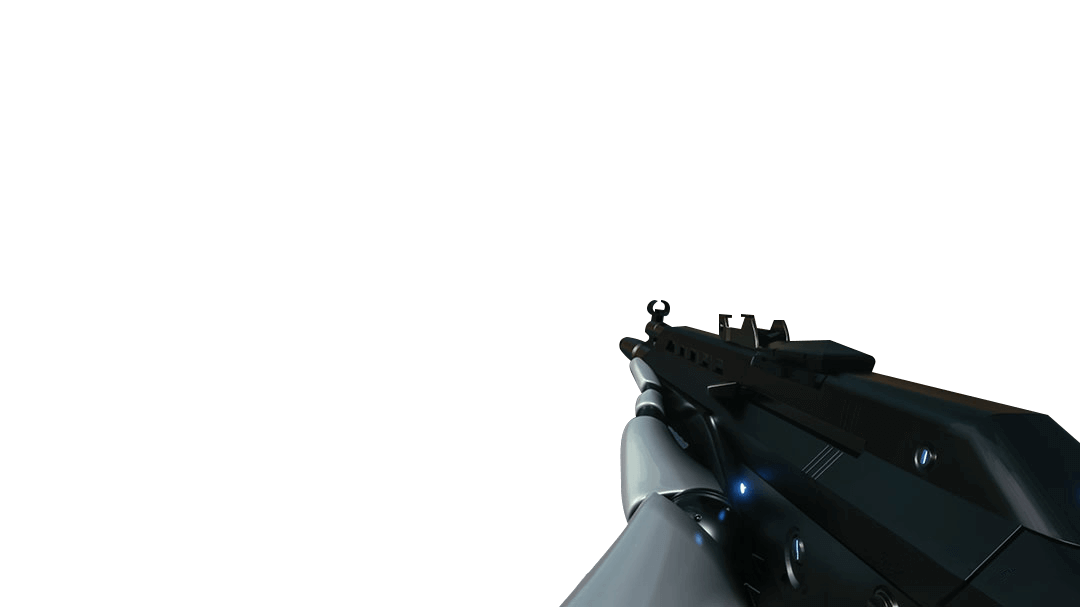
Automatically enhances dark areas of the scene to make it easier to spot enemies hiding in dim areas of the map


Easily manage, optimize, and personalize your settings with your mouse in DisplayWidget Center.
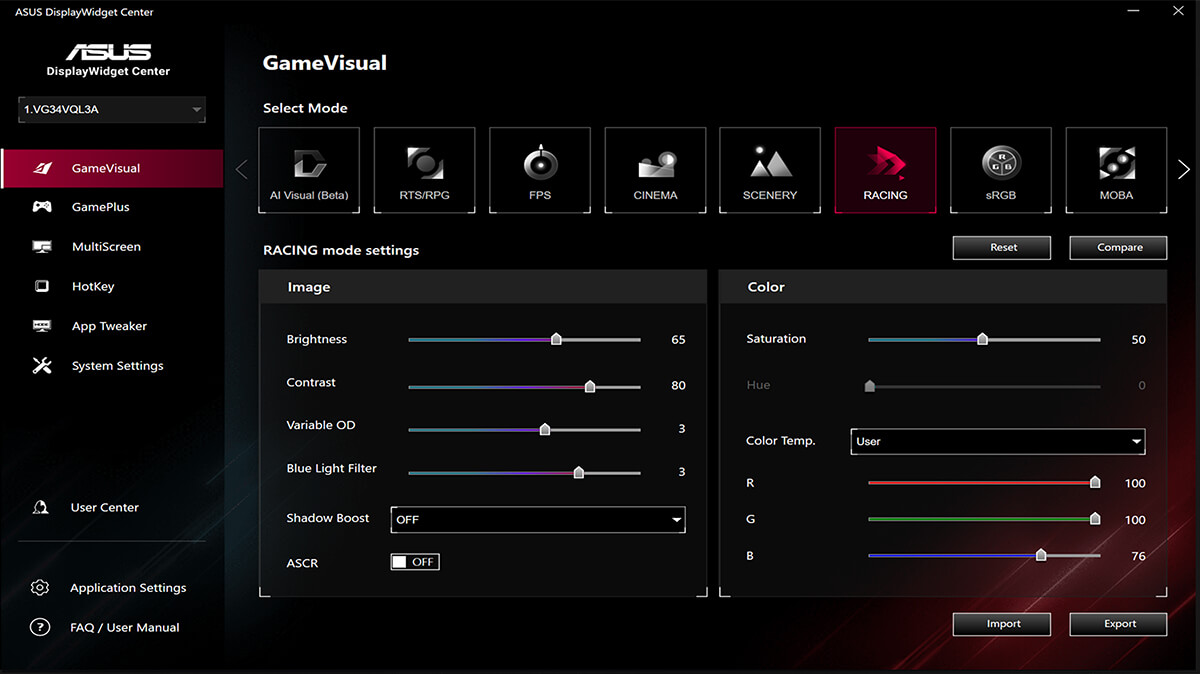
- Firmware Update Notification
- Customizable monitor settings
- Multiscreen Control
ASUS GameVisual technology provides eight pre-set display modes to enhance visuals for various content types. Easily switch modes via a hotkey or the OSD menu.

GameVisual ON
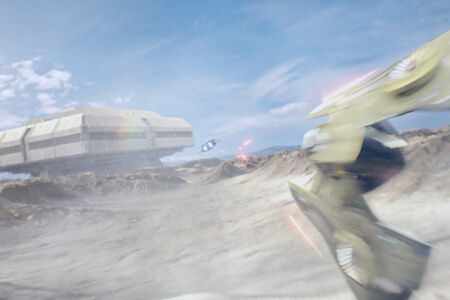
Reduces input lag for real time racing and fast gaming experience.
The ASUS-exclusive GamePlus hotkey offers in-game enhancements that have been designed with input from pro gamers―all to help improve your skills and gameplay.
Sniper
Crosshair
Timer
FPS Counter
Display Alignment






ENGINEERINGCONNECTIVITY AND ERGONOMICS
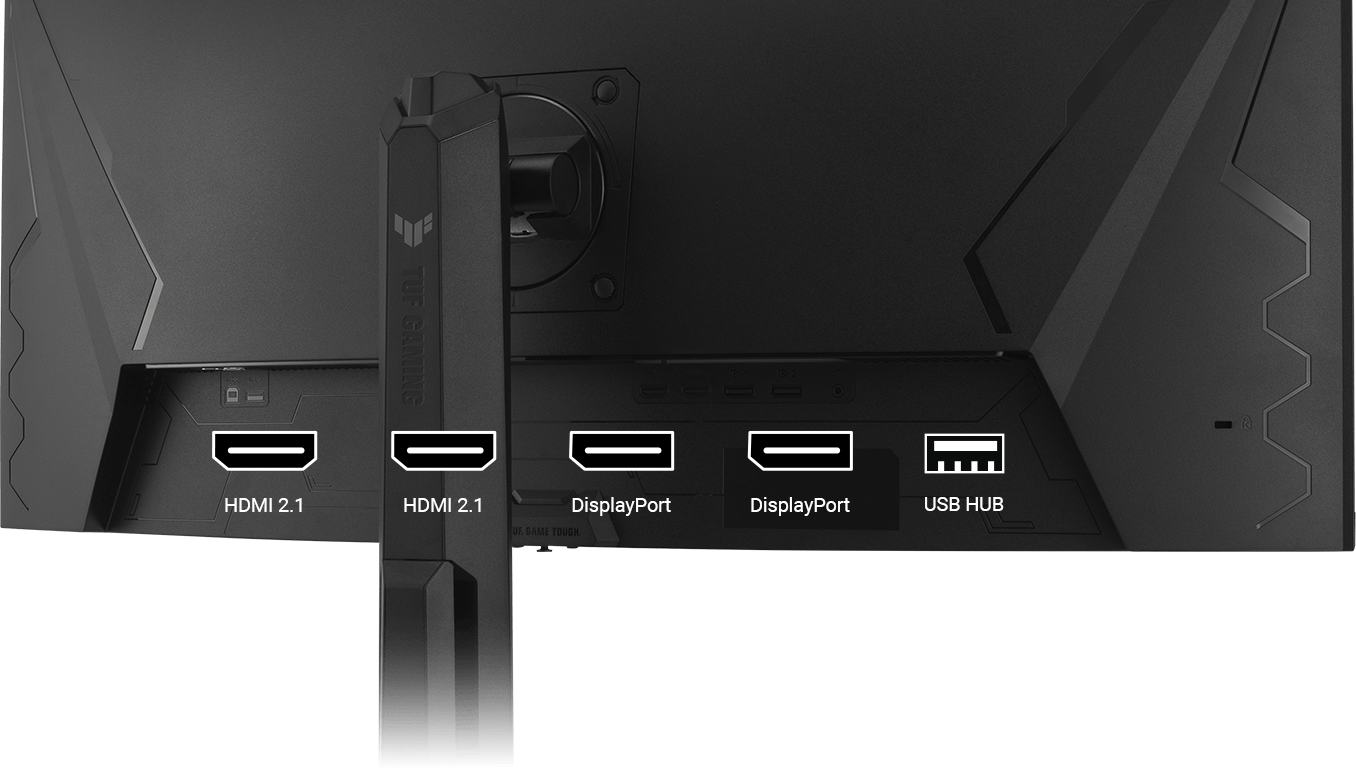
A multitude of connectivity options includes two HDMI 2.1 ports, two DisplayPort 1.4, and a USB hub, ensuring wide compatibility with a variety of input sources.
The ergonomic stand offers tilt, swivel, and height adjustments, plus VESA compatibility for wall mounting.
- Tilt: +20° ~ -5°
- Swivel: +10° ~ -10°
Height: 0~130mm
EYE CAREEYE CARE TECHNOLOGY
ASUS Low Blue Light technology reduces harmful blue light while maintaining superior color performance.
Low Blue Light
| Brand | Asus |
|---|---|
| Hertz (Hz) | 250Hz |
| Ports | HDMI, DisplayPort, USB 3.2 |
| Screen Size | 34" |
| Touchscreen | No |
| Warranty | 1 Year Manufacturer |
| Shipping | Same Day From Lahore |
| Screen Resolution | 3440 x 1440 |
Log In