






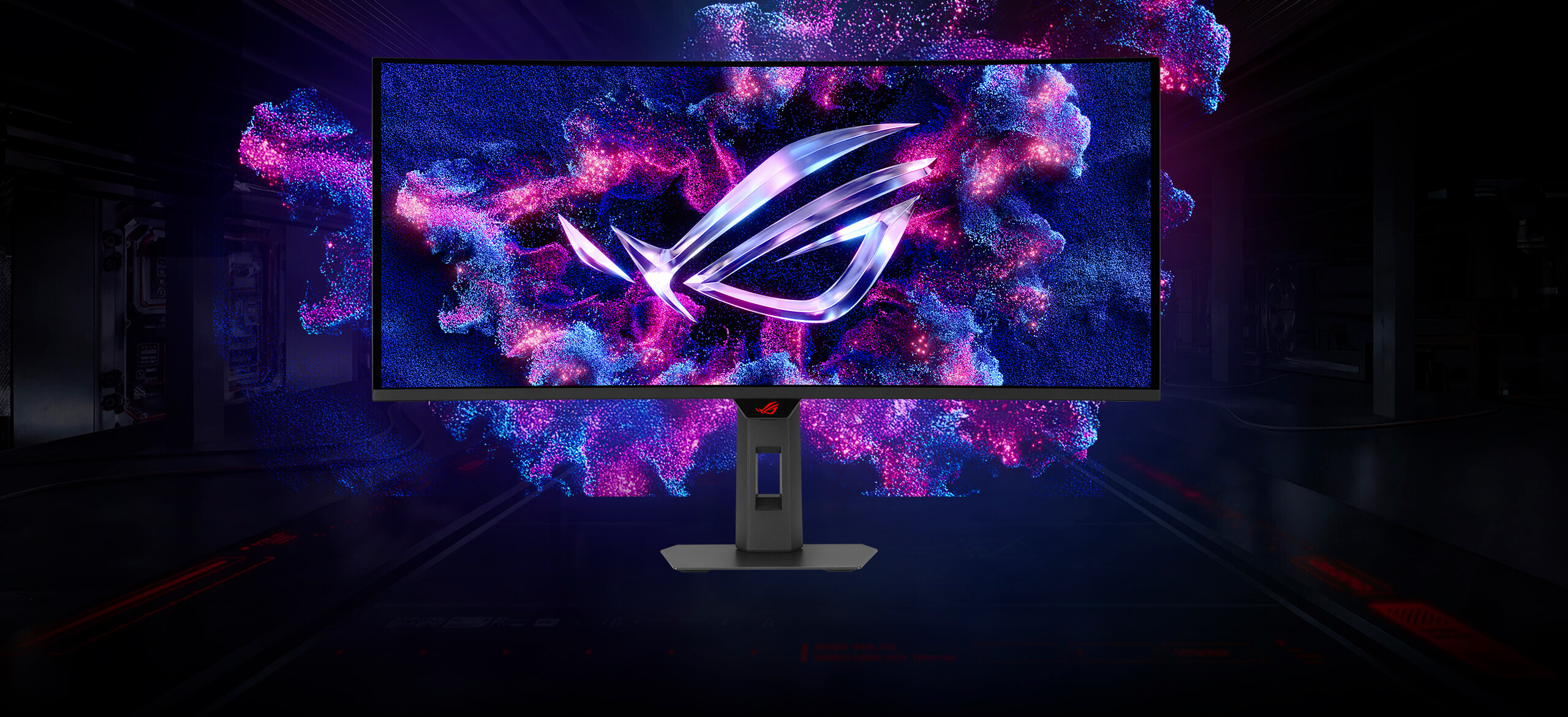
Asus ROG Strix XG34WCDMTG 34" 240Hz QD-OLED Curved Gaming Monitor

Asus ROG Strix XG34WCDMTG 34" 240Hz QD-OLED Curved Gaming Monitor
Ultra-Wide 34" WQHD QD-OLED Curved Screen (3440x1440) with 240Hz Refresh Rate – Delivers immersive gaming with tear-free, ultra-responsive performance
ONE FOR ALL
ROG Strix OLED XG34WCDMTG
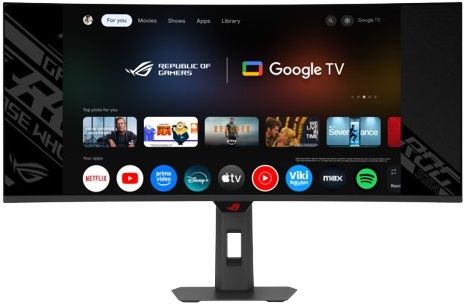
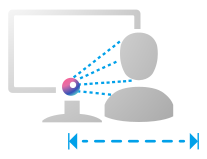
The ROG Strix OLED XG34WCDMTG is a 34-inch, 240Hz ultra-wide QD-OLED gaming monitor. With the addition of the Neo Proximity Sensor in the new ROG OLED Care Pro suite, the monitor transitions to a black screen when no user is detected, guarding against burn-in. The monitor also comes with built-in Google TV, giving you instant access to a vast library of streaming apps, movies, and shows. Enjoy your favorite entertainment and games seamlessly — all in one display, no external devices required.

QD-OLED Technology

1800R CURVATURE
IMMERSIVE GAMING
99% DCI-P3
TRUE 10 BIT

Extreme Low Motion Blur
Incredible Motion Clarity
34-inch
3440X1440

240Hz


0.03 ms
response time
CUSTOM
HEATSINK

ASUS OLED
Care Pro
Neo Proximity
Sensor

DELTA E < 2
Adjustable HDR

UNIFORM BRIGHTNESS
MultiScreen
TYPE-C
Power Delivery 90W

IMMERSIVE GAMEPLAY
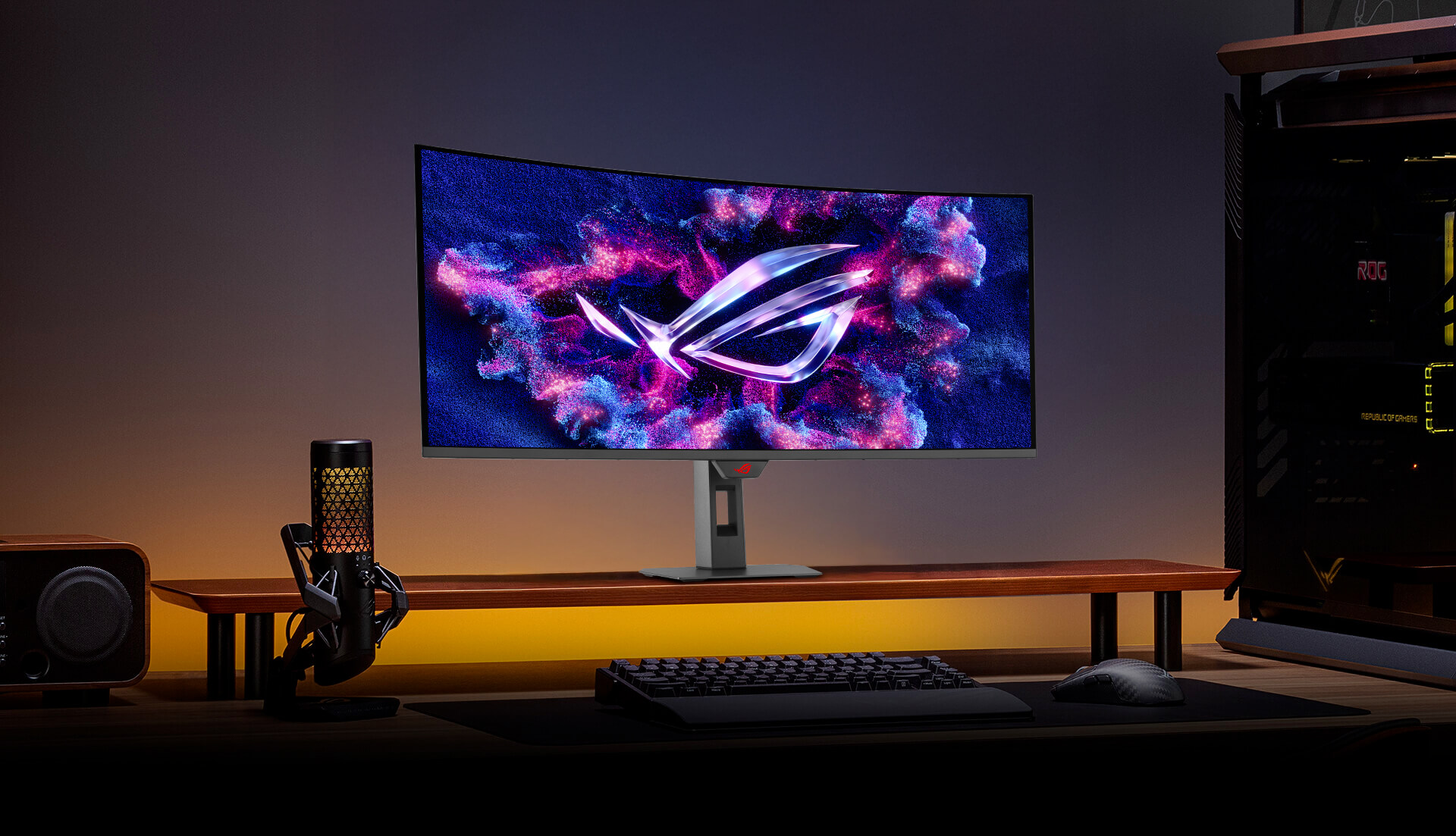
Designed for discerning gamers and professional creators, it offers a resolution of 3440x1440 and 1800R curvature for smooth and immersive gaming visuals.
QD-OLED TECHNOLOGY
Incredible Motion Clarity
Benefits of OLED
Advantages of OLED technology
The latest ASUS OLED panels offer extremely high contrast ratios to deliver the darkest black hues as well as the most vivid colors, helping create immersive visuals for gaming and for creative endeavors. Plus, an astounding 0.03 ms gray-to-gray response time ensures supersmooth, low-latency visuals.
0.03 msresponse time
99%DCI-P3 gamut
Delta E < 2

Incredible Motion Clarity
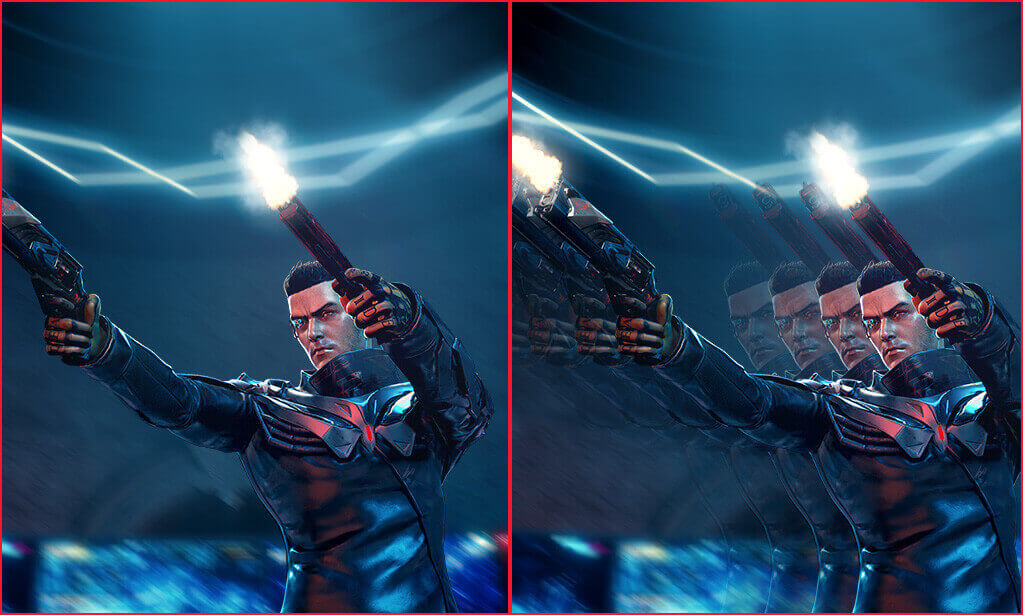
Exclusive ASUS Extreme Low Motion Blur technology reduces ghosting and motion blur.
WITH ELMB
WITHOUT ELMB
Advantages of OLED technology
The latest ASUS OLED panels offer extremely high contrast ratios to deliver the darkest black hues as well as the most vivid colors, helping create immersive visuals for gaming and for creative endeavors. Plus, an astounding 0.03 ms gray-to-gray response time ensures supersmooth, low-latency visuals.
0.03 msresponse time
99%DCI-P3 gamut
Delta E < 2
Incredible Motion Clarity
Exclusive ASUS Extreme Low Motion Blur technology reduces ghosting and motion blur.
WITH ELMB
WITHOUT ELMB
Entertainment you love
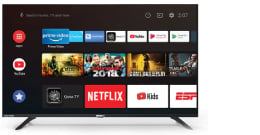
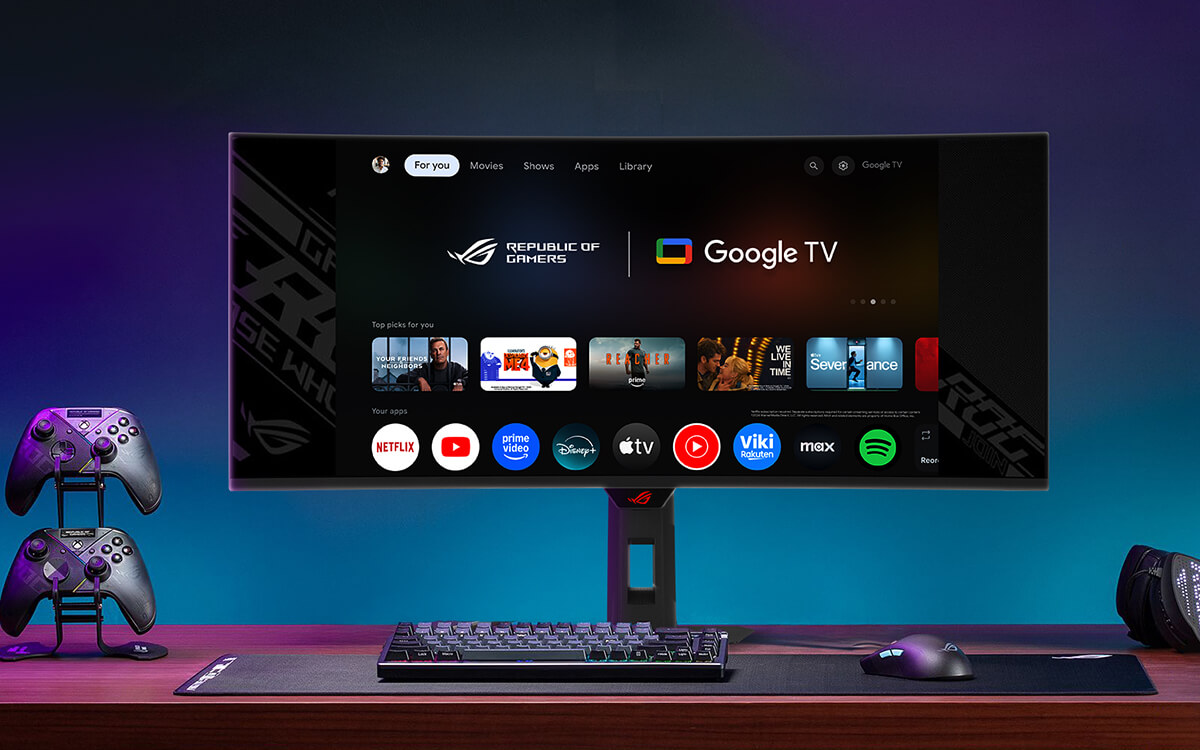
Google TV™ brings together your streaming apps, so movies, shows, and live TV* are all in one place.
Google TV
Home panel
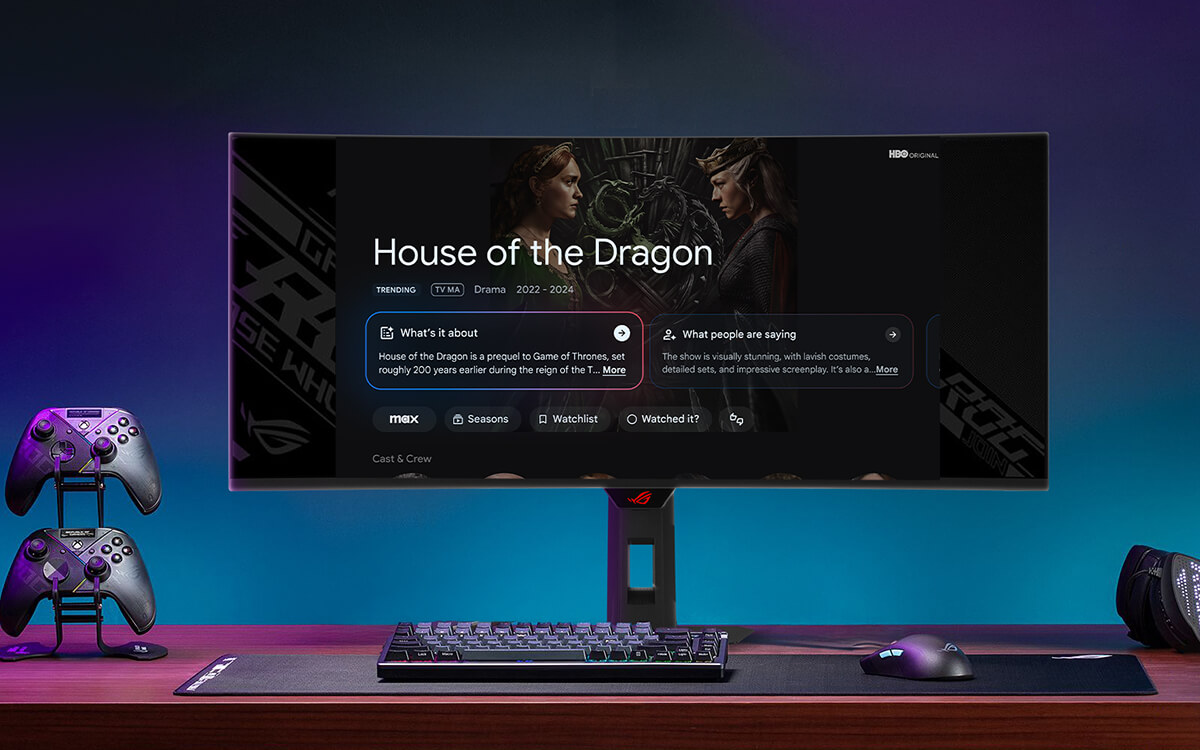
AI Overview
Enhance movie and show overviews using Gemini technology
With Gemini capabilities on Google TV you can now get full summaries, reviews and season-by-season breakdowns of content, so finding your next marathon-watch just got easier.
No more jumping between apps
Google TV™ brings together 700,000+ movies, shows, and more across 10,000+ apps, plus 800+ free live TV channels — organized in one place.
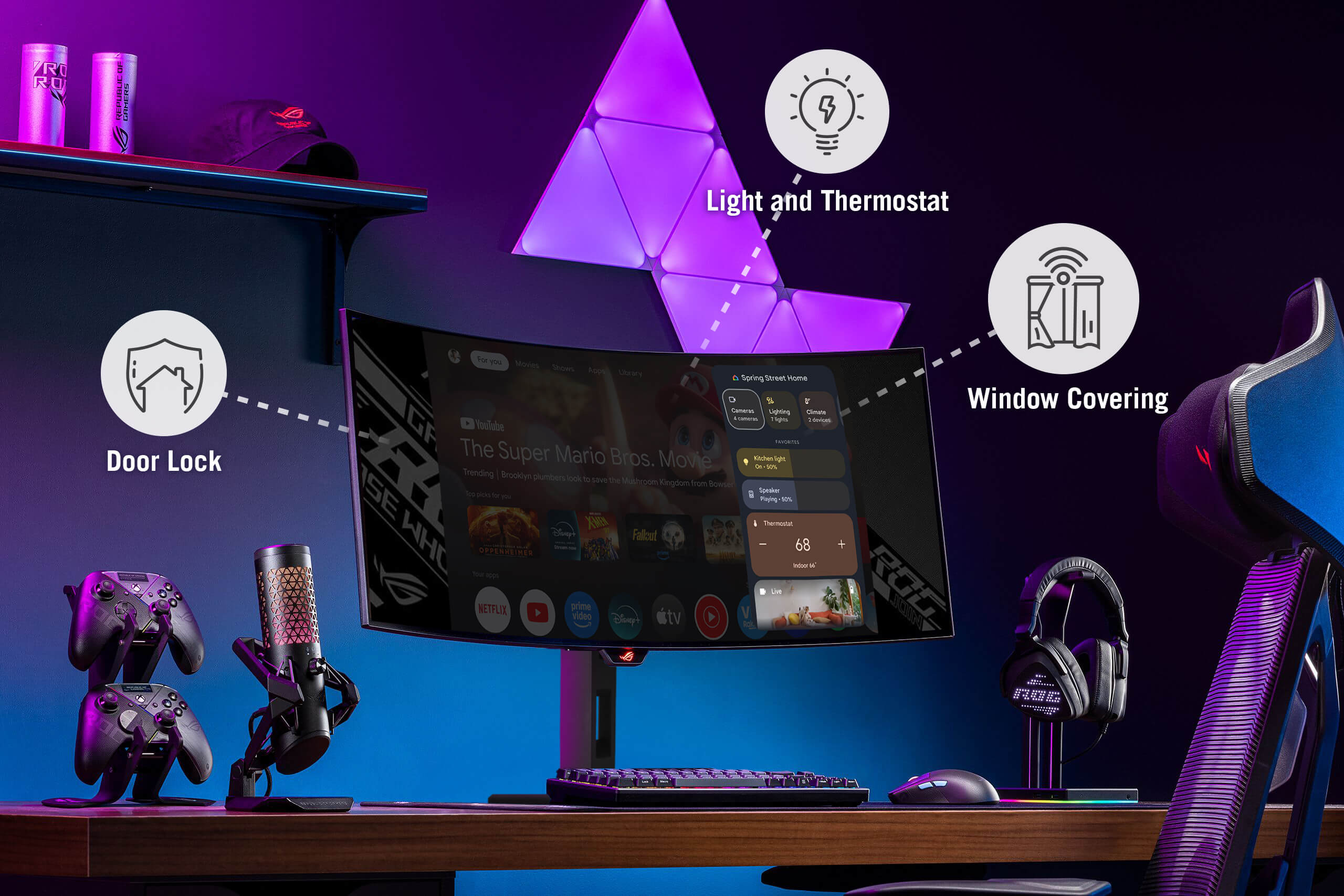
The center of your smart home
Make your Google TV the center of your smart home. Control lights, temperature, and more from the new home panel, get doorbell notifications and full-screen views of your cameras and use your voice to control it all—just ask Google Assistant.
Enhance movie and show overviews using Gemini technology
With Gemini capabilities on Google TV you can now get full summaries, reviews and season-by-season breakdowns of content, so finding your next marathon-watch just got easier.
No more jumping between apps
Google TV™ brings together 700,000+ movies, shows, and more across 10,000+ apps, plus 800+ free live TV channels — organized in one place.
Screen Protection
ASUS OLED CARE PRO
New ASUS OLED Care Pro technology provides a full set of customizable monitor settings to protect the OLED panel and ensure longevity. Plus, it includes the new Neo Proximity Sensor that detects your distance from the monitor and transitions to a black image when you’re away to safeguard the panel from burn-in. All settings can be easily managed via DisplayWidget Center.

Pixel cleaning
Recalibrates the screen when the monitor has been active for several hours―a process that takes just a few minutes and activates automatically when the monitor is turned off
Do not unplug the power cord during this time as it will interrupt the pixel-cleaning process.
SCREEN MOVE
Pixel locations are slightly shifted periodically to help prevent burn-in, and users can choose between several movement levels.
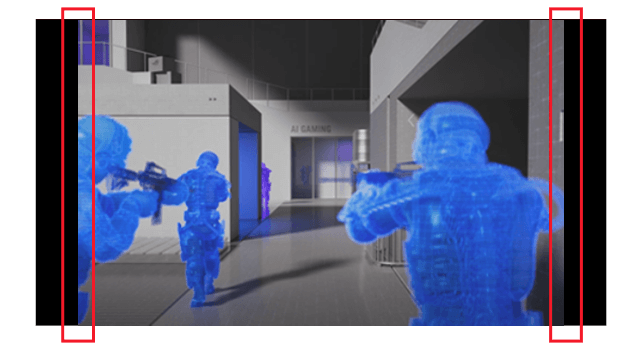
Boundary detection
Dynamically detects the boundary of the black bars and reduces the brightness and also slightly shifts the pixel of the near borders.
| Brand | Asus |
|---|---|
| Hertz (Hz) | 240Hz |
| Ports | HDMI, DisplayPort, USB 2.0, USB Type-C |
| Screen Size | 34" |
| Touchscreen | No |
| Warranty | 1 Year Manufacturer |
| Shipping | Same Day From Lahore |
| Screen Resolution | 3440 x 1440 |